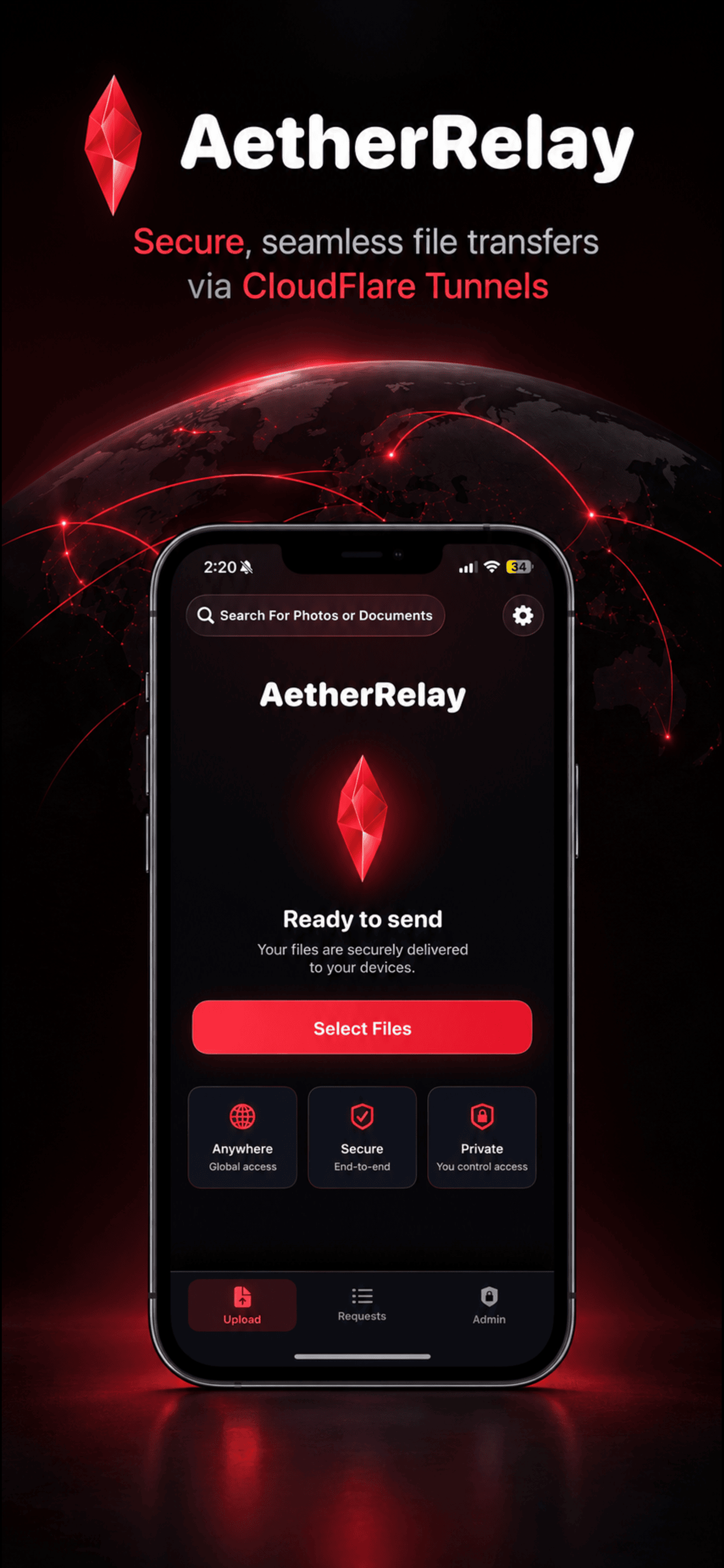
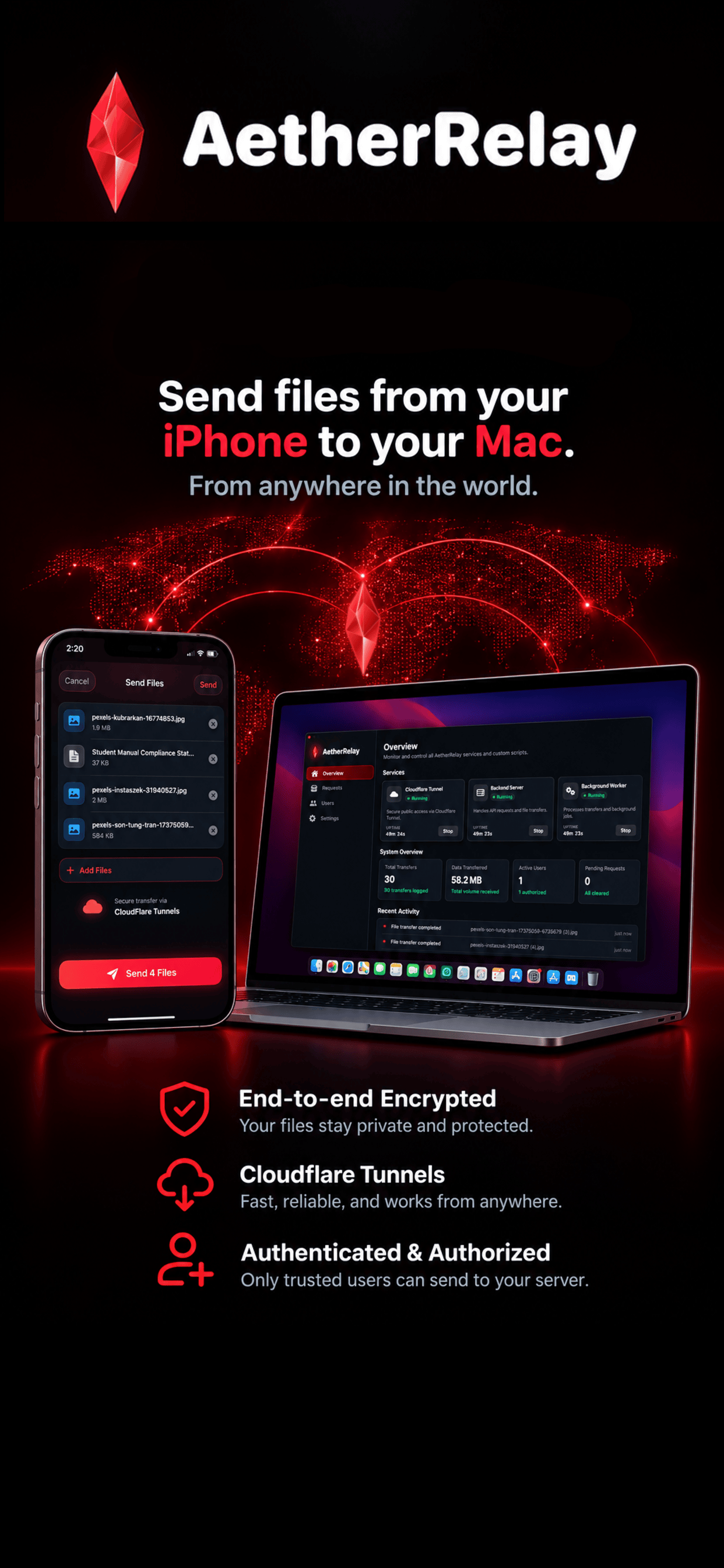
Bridge the gap between your mobile workflow and your Mac. Securely transmit photos, documents, and data over Cloudflare Zero-Trust Tunnels directly to your self-hosted, open-source macOS Manager with automated custom Python workflows.
Obsidian glass visual aesthetics engineered with Swift, SwiftUI & AppKit for maximum clarity and speed.
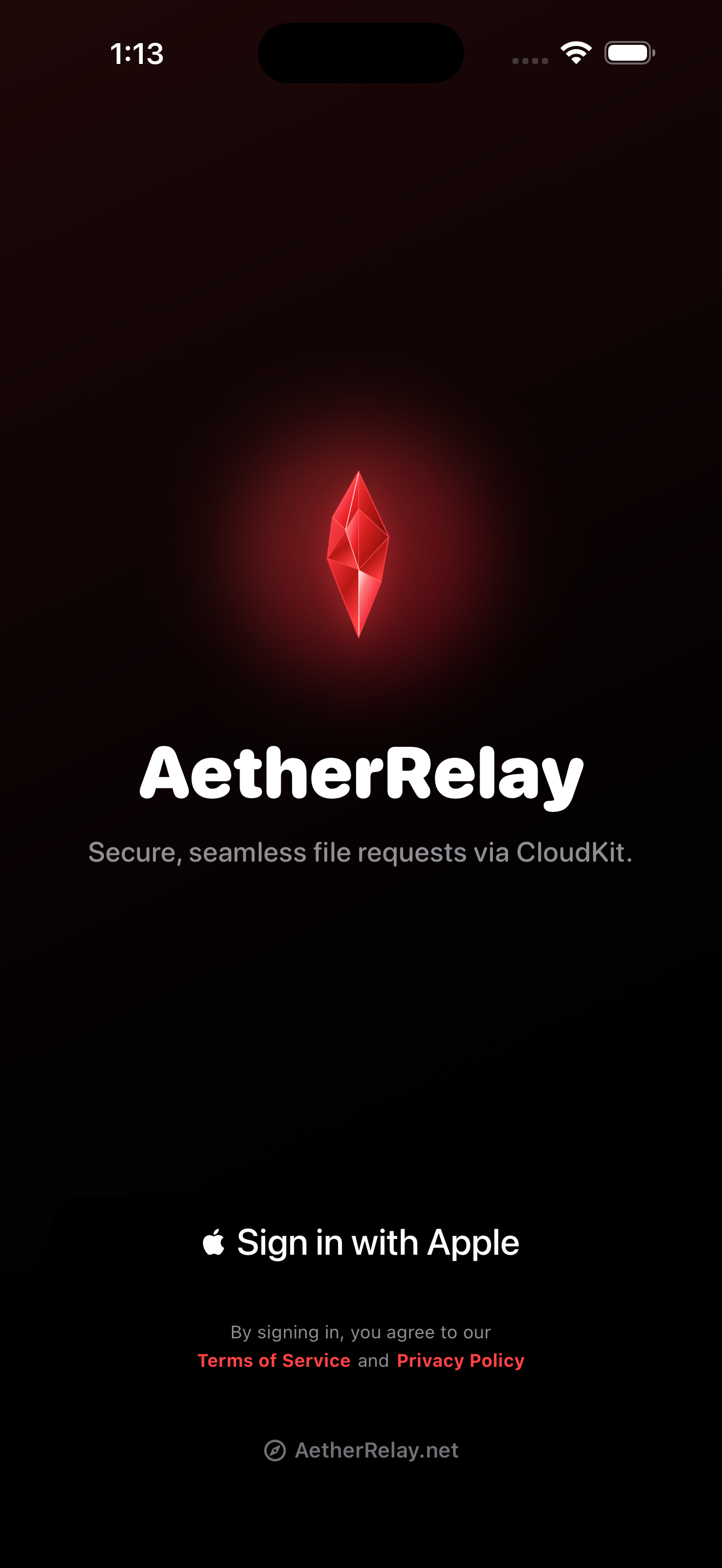
Secure Apple Sign-In
Seamlessly authenticate with Sign in with Apple, generating end-to-end encrypted hardware-backed identity tokens.
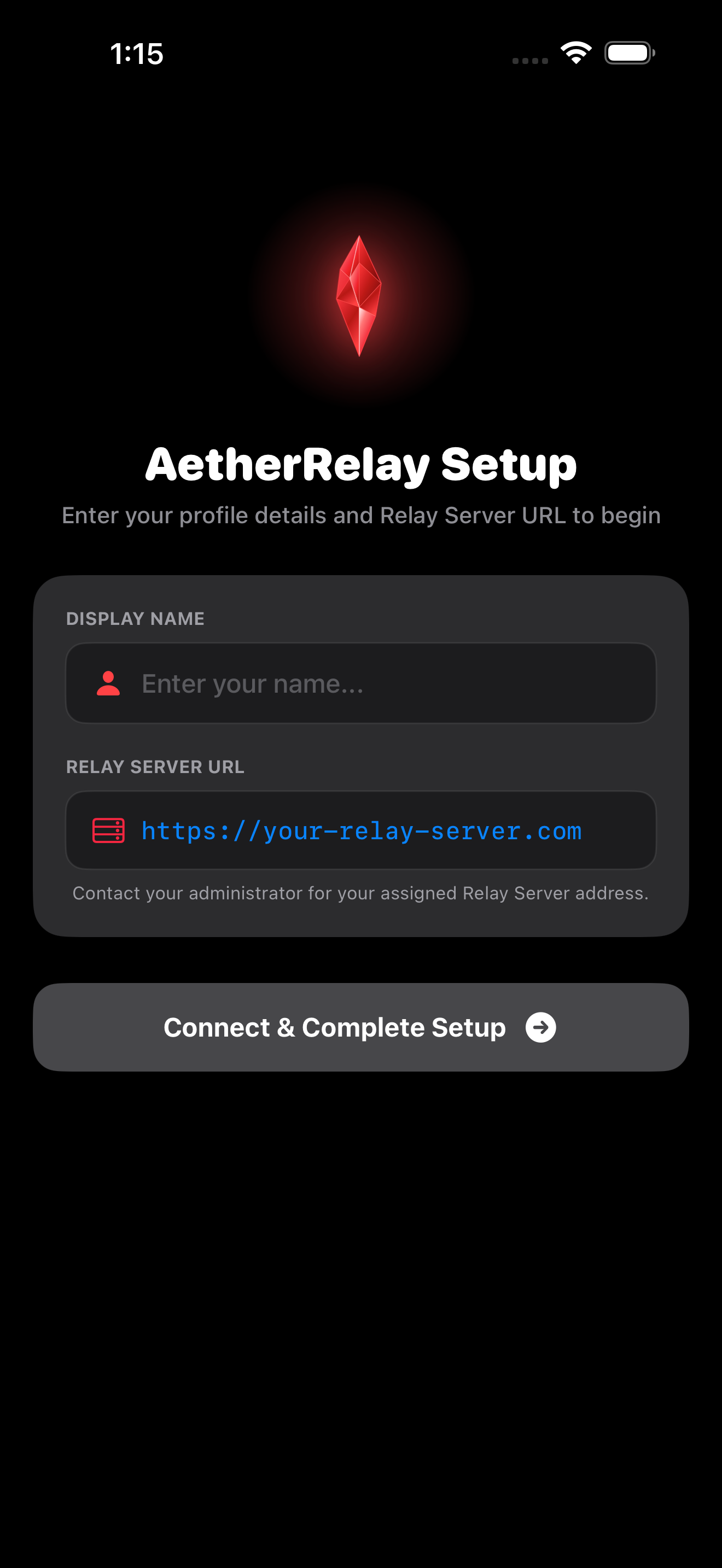
Fast Guided Setup
Connect your self-hosted backend URL or Cloudflare Zero-Trust Tunnel endpoint with instant connectivity validation.
Server Access Authorization
Request permission to dispatch files directly to your Mac's backend folders over encrypted Cloudflare Tunnels.
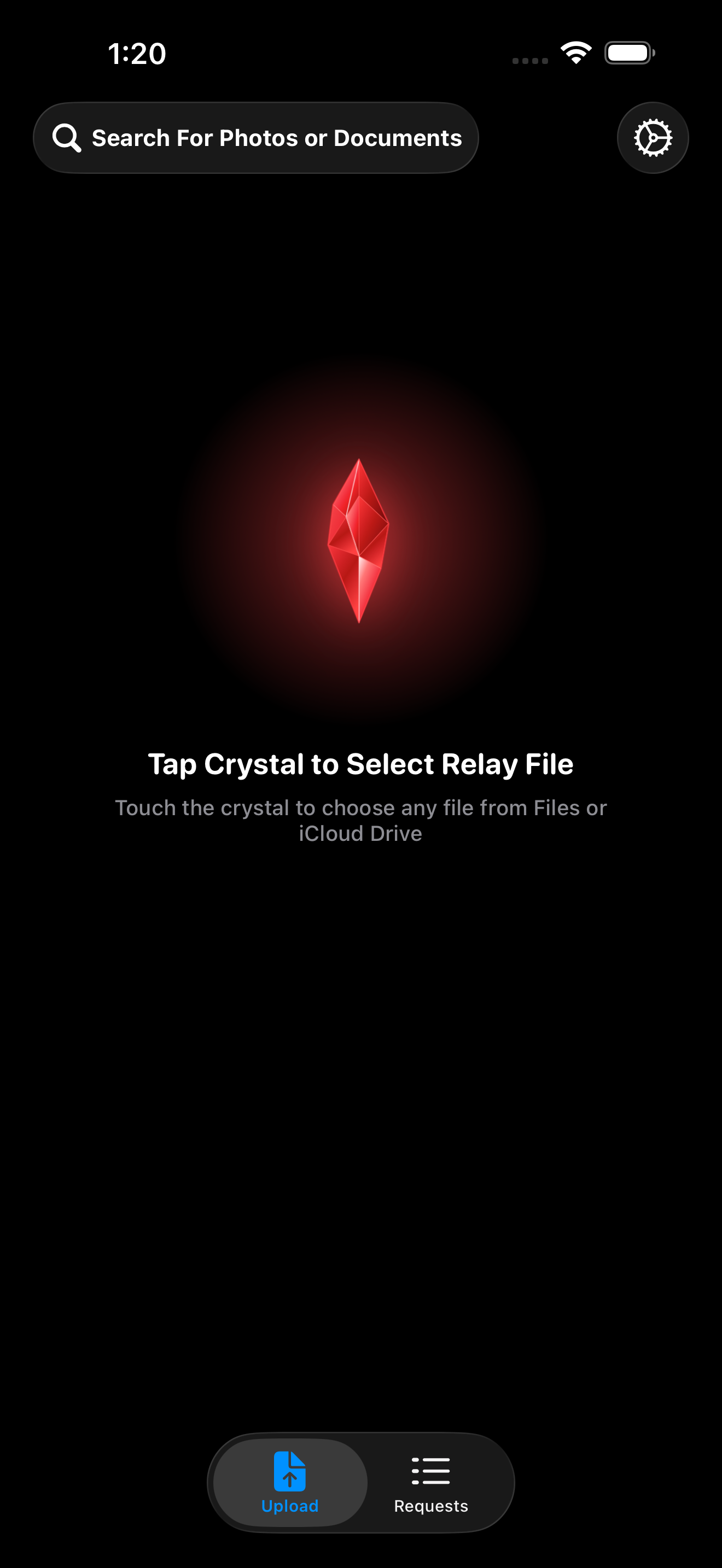
Mobile Command Center
Obsidian glass dashboard with 3D red crystal hero, live connection telemetry, and one-tap transmission staging.
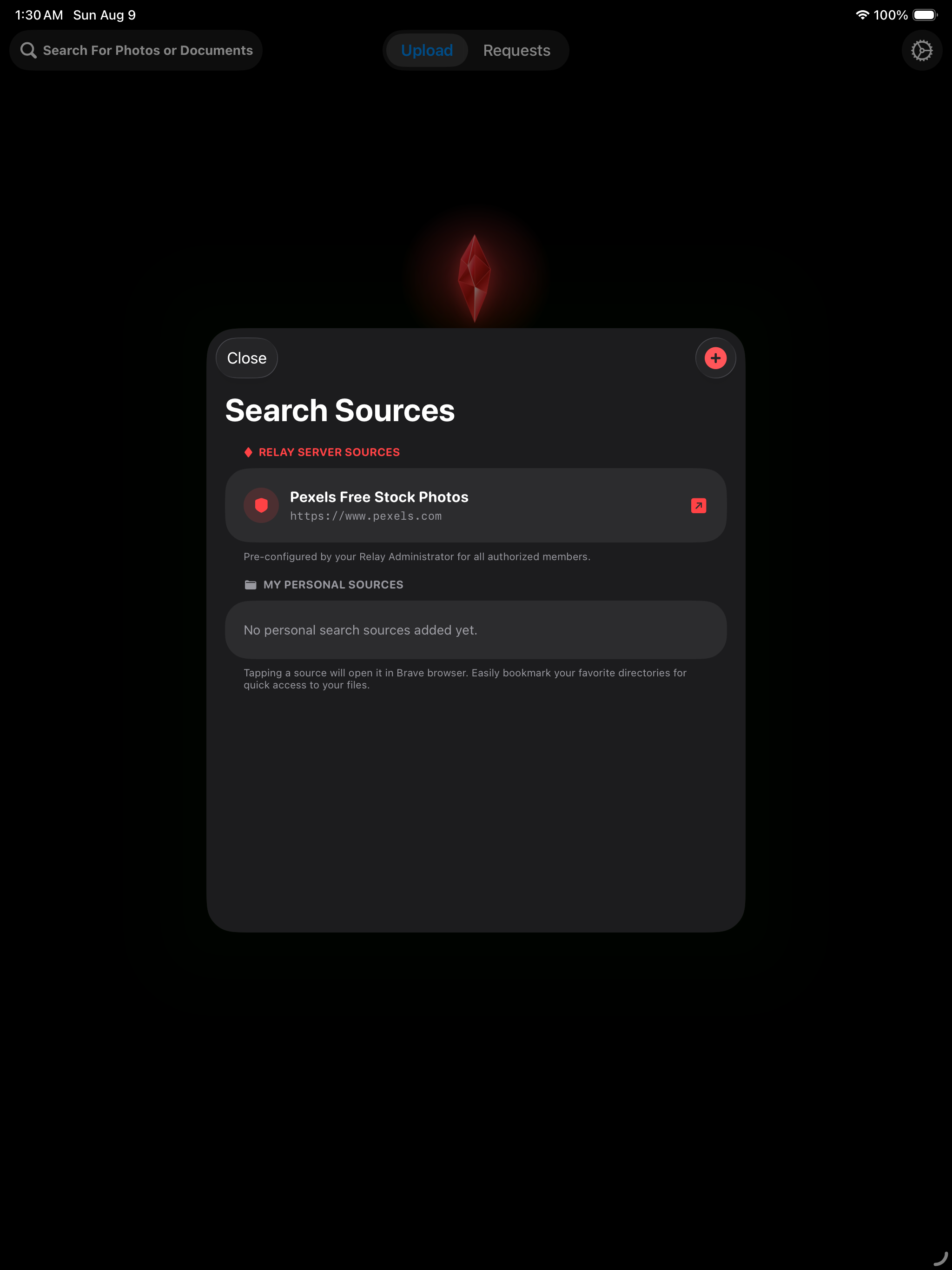
Source Directory Explorer
Search, filter, and inspect remote data channels, media categories, and destination folders instantly.
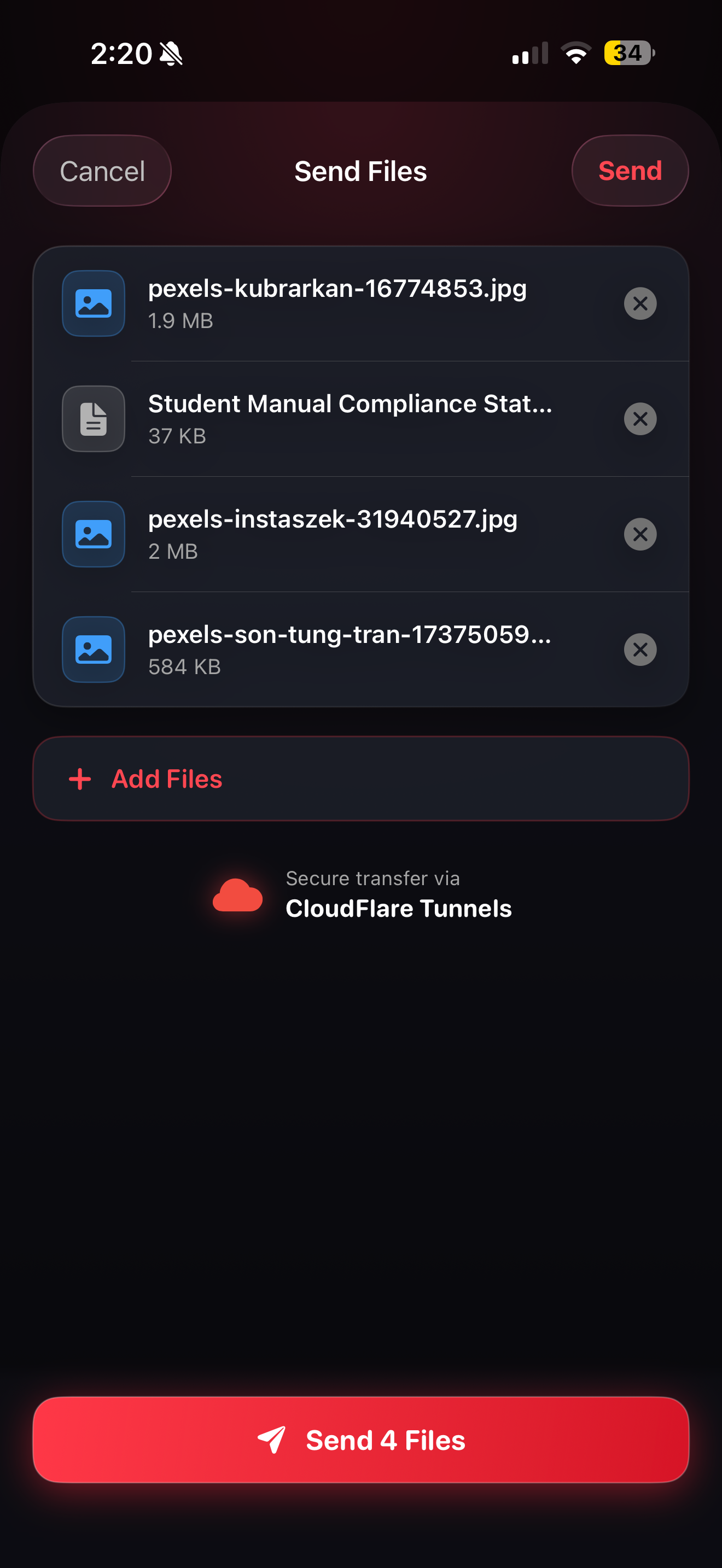
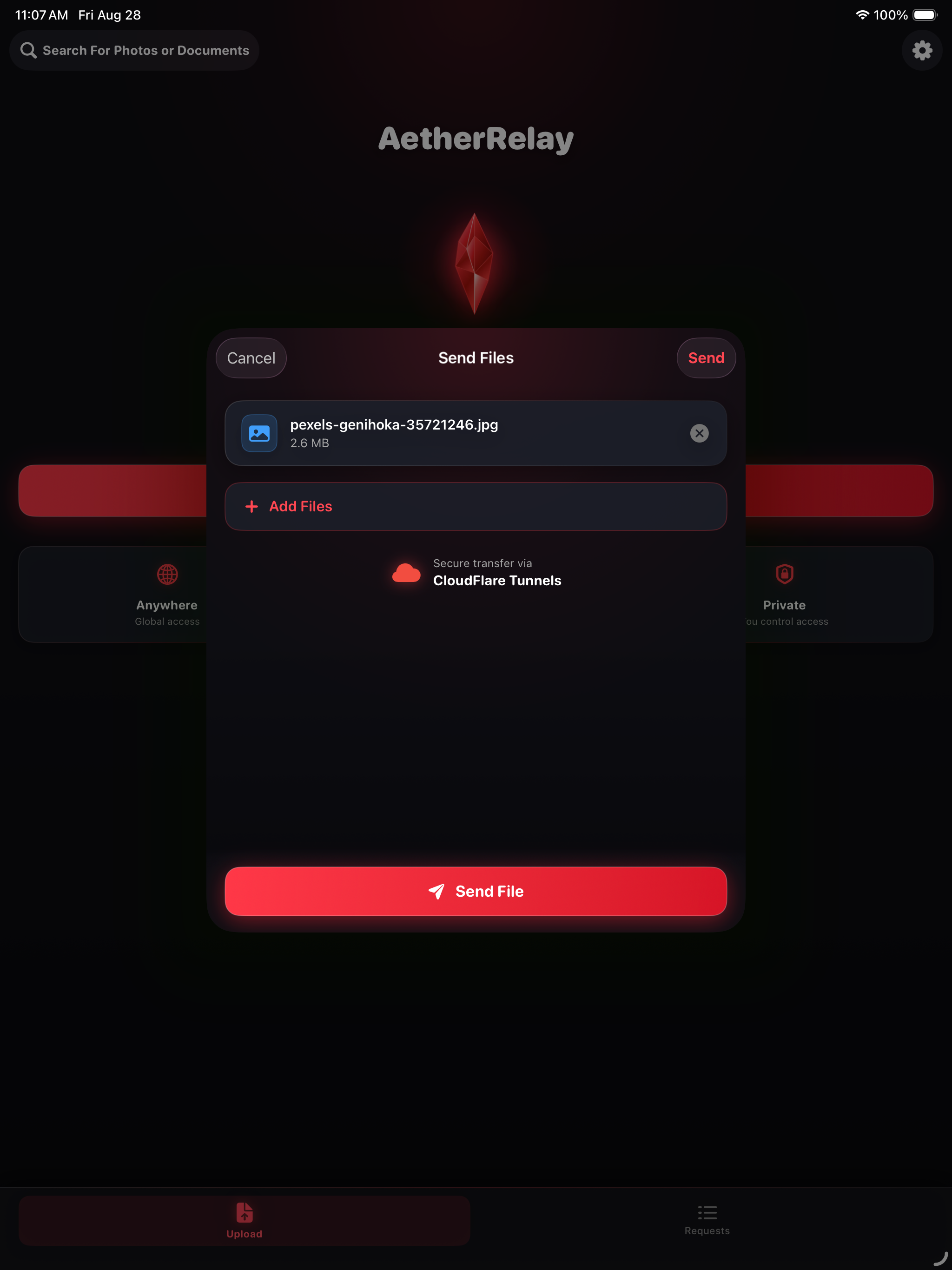
Staged File Selection Queue
Review selected file payloads with exact file sizes, instant document badges, and individual remove actions.
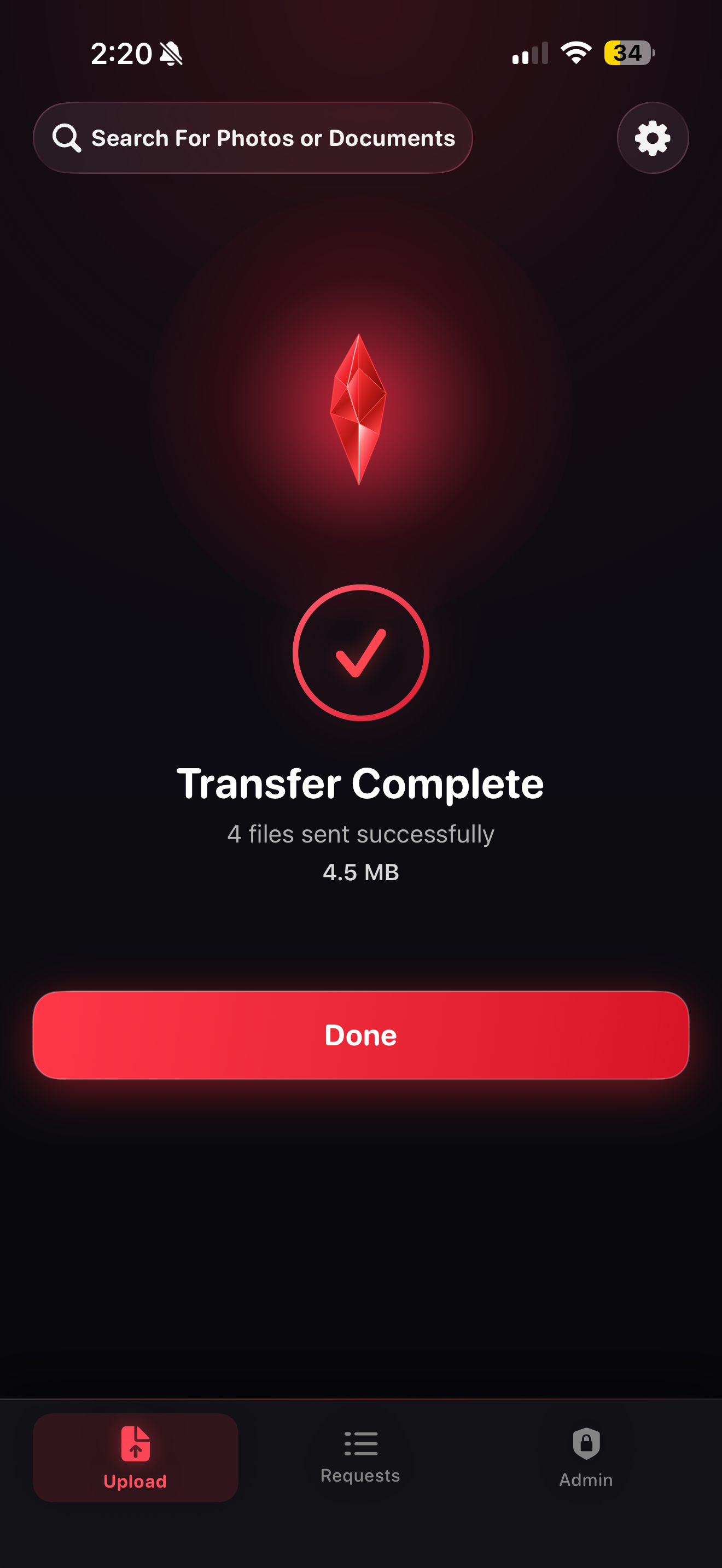
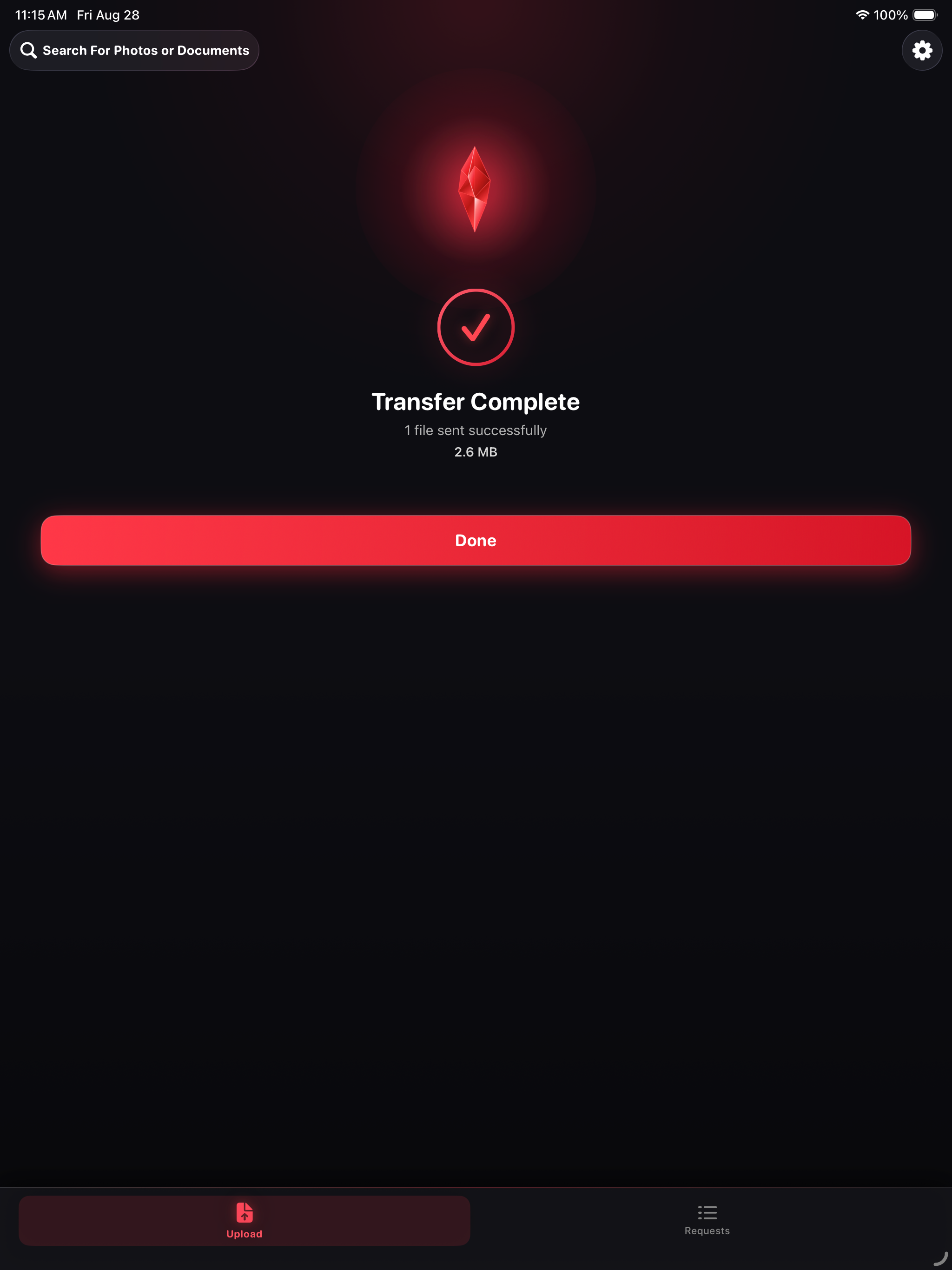
Transfer Complete Celebration
Receive instant visual celebration feedback, total payload byte tally, and delivery confirmation upon completion.
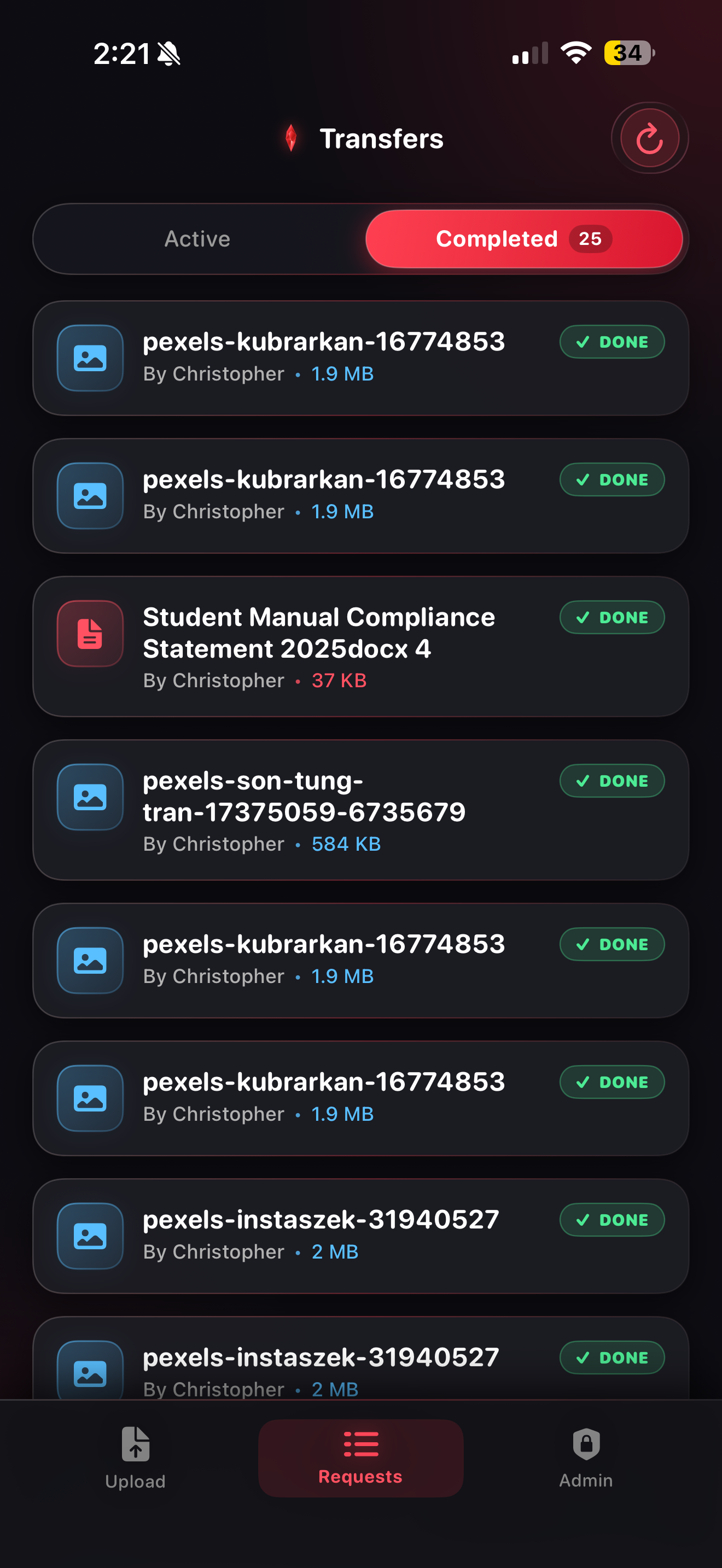
Completed Relays & History
Browse approved, completed, and categorized transmissions with 10-item pagination and direct denied relay controls.
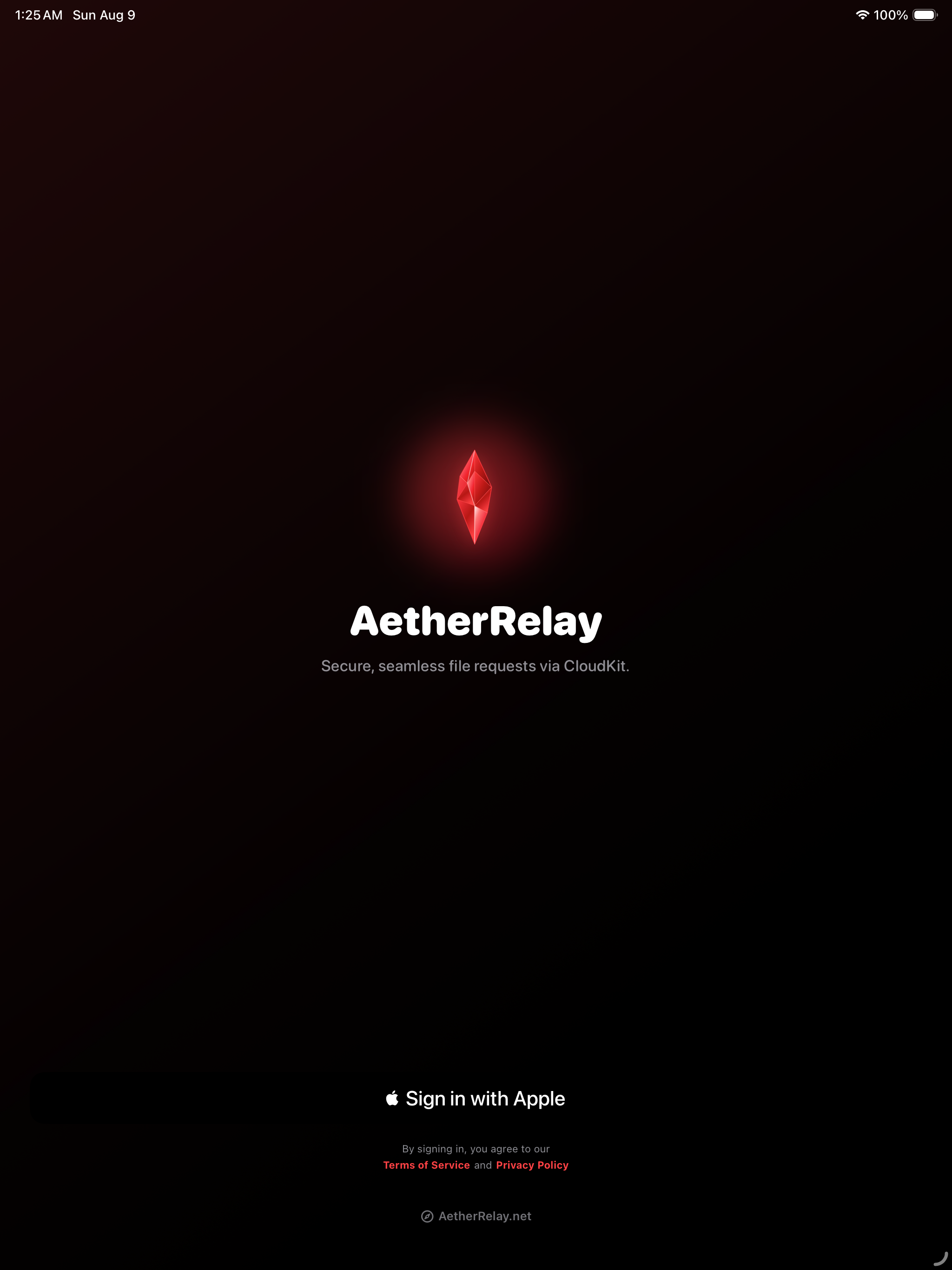
Spacious Tablet Authentication
Authenticate seamlessly on iPad with Sign in with Apple, protected by hardware security and end-to-end encrypted user tokens.
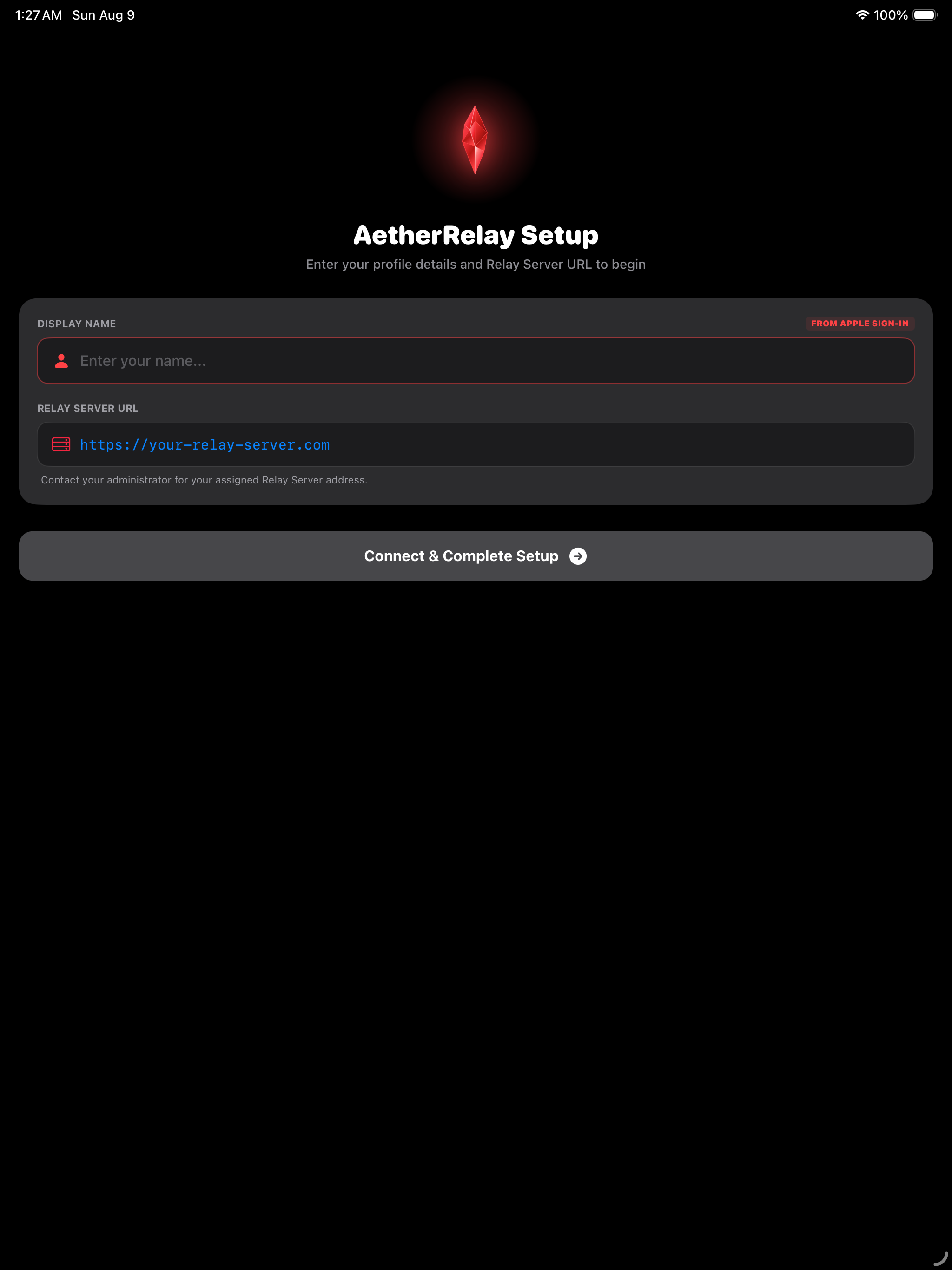
Server Connection Setup
Configure your self-hosted macOS backend URL or Cloudflare Zero-Trust Tunnel endpoint with real-time handshake verification.
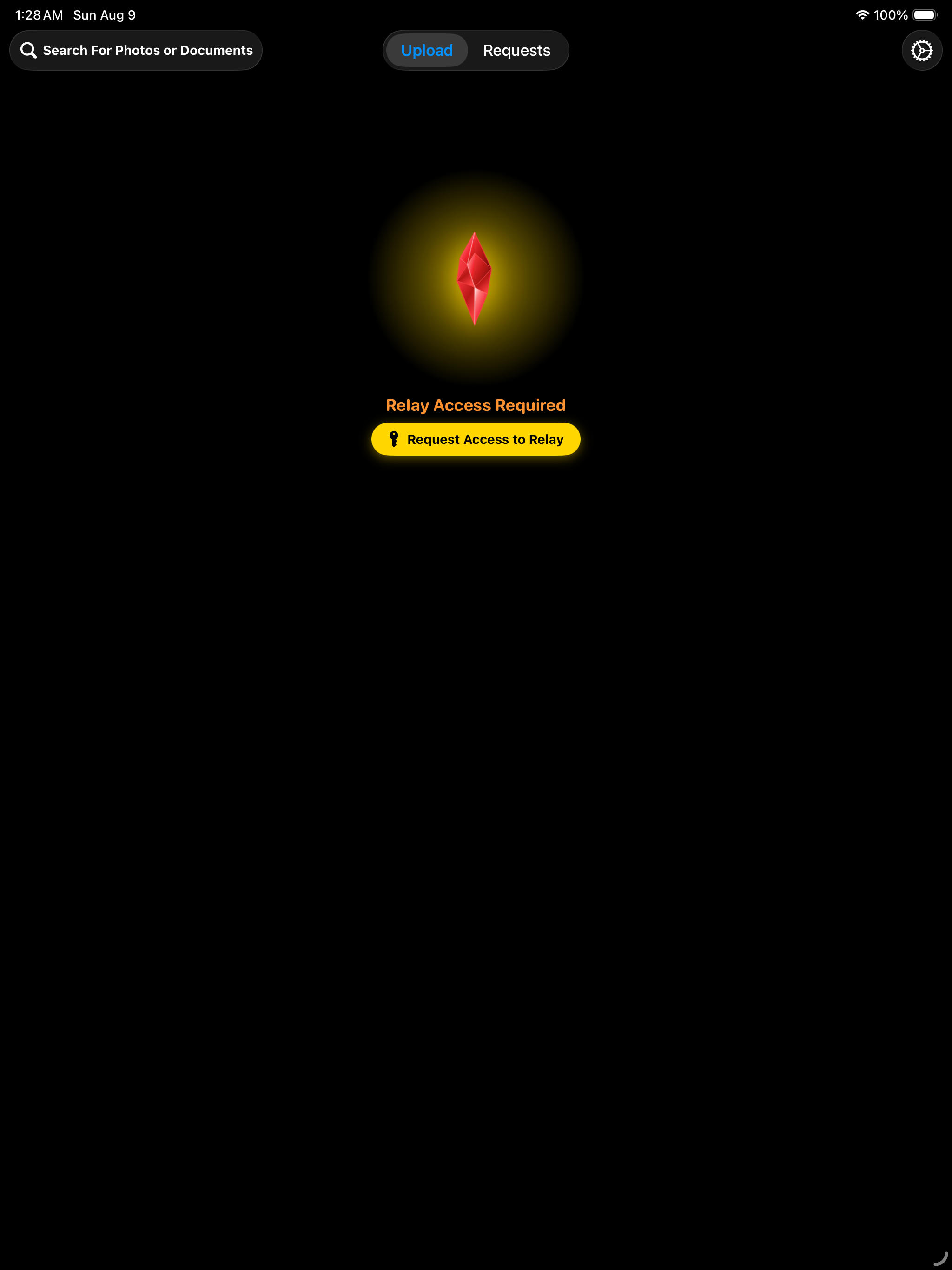
Granular Access Permissions
Request transmission permissions directly from the server administrator with one-tap device credential synchronization.
Home Relay Dashboard
A spacious obsidian glass dashboard showcasing live connection telemetry, relay status, and the red crystal transmission hero.
Search Sources & Categories
Quickly filter synced server destination folders, media libraries, and storage locations with responsive iPad search.
Staged File Selection Queue
Review multi-file payload batches with exact file sizes, instant document icons, and item deletion controls before dispatching.
Transfer Complete Celebration
Instant transmission confirmation with 3D celebration visual feedback, total byte tally, and delivery status.
Completed Relays & History
Browse approved, completed, and categorized transmissions with 10-item pagination and direct denied request access.
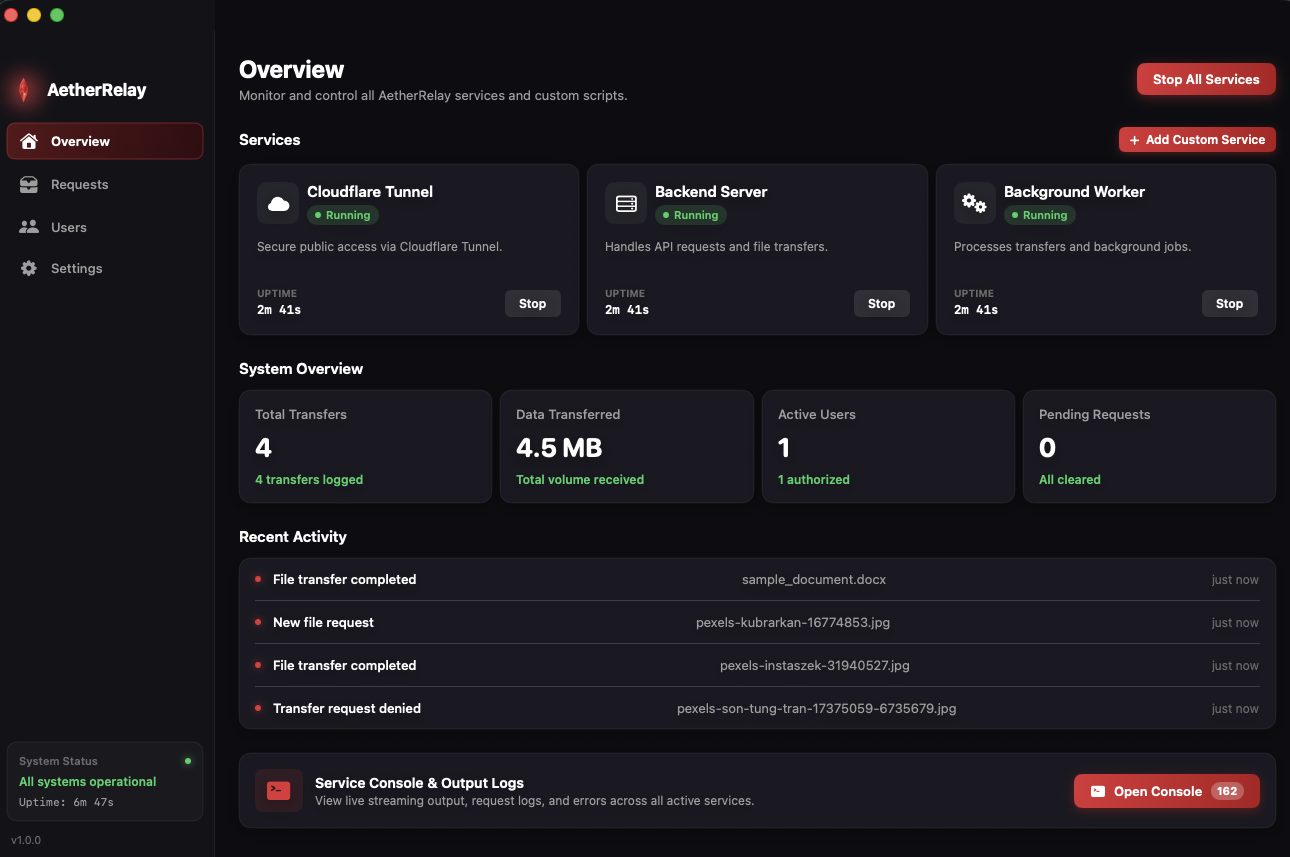
Overview & Live Services
Control FastAPI server, Cloudflare Tunnel, and worker daemons with live stdout/stderr console streaming.
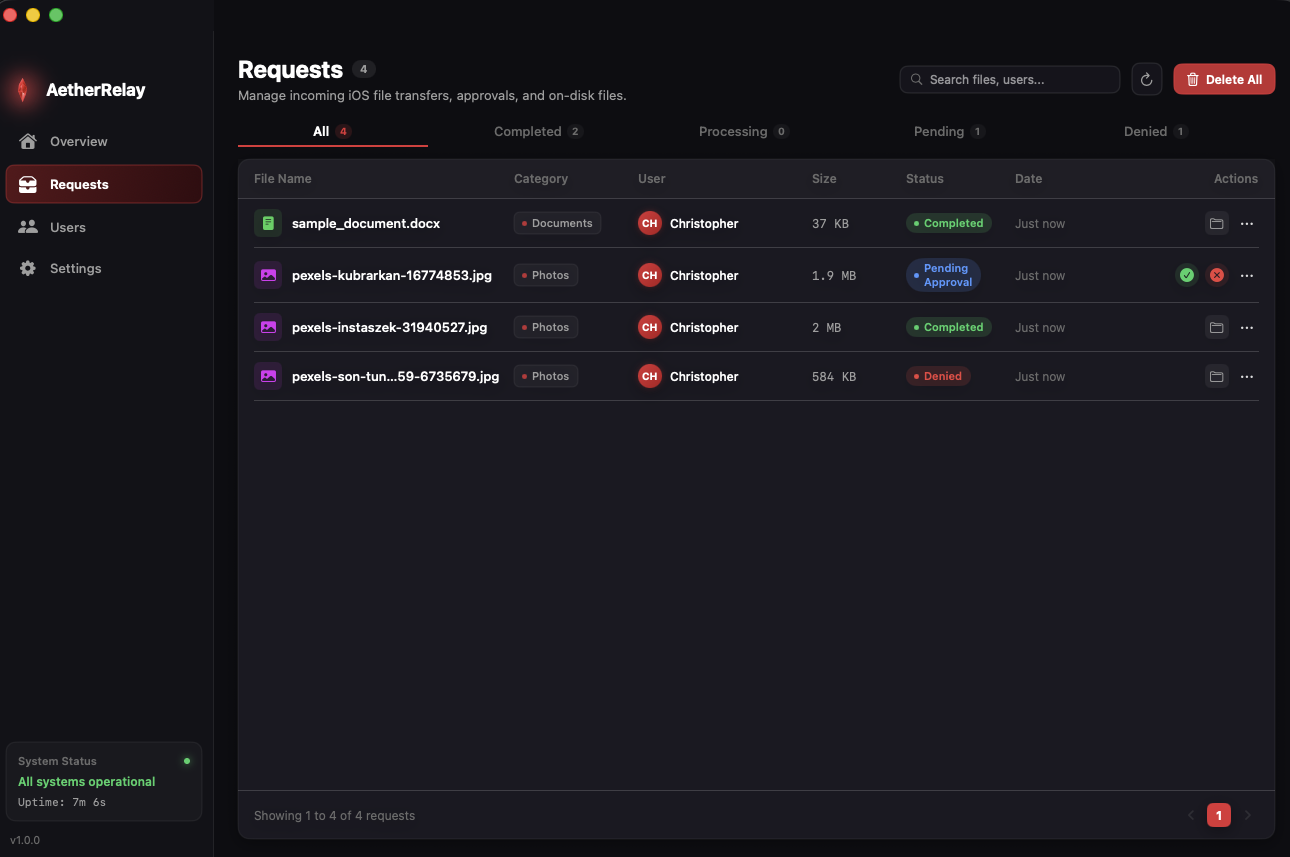
Request Ingestion & Staging
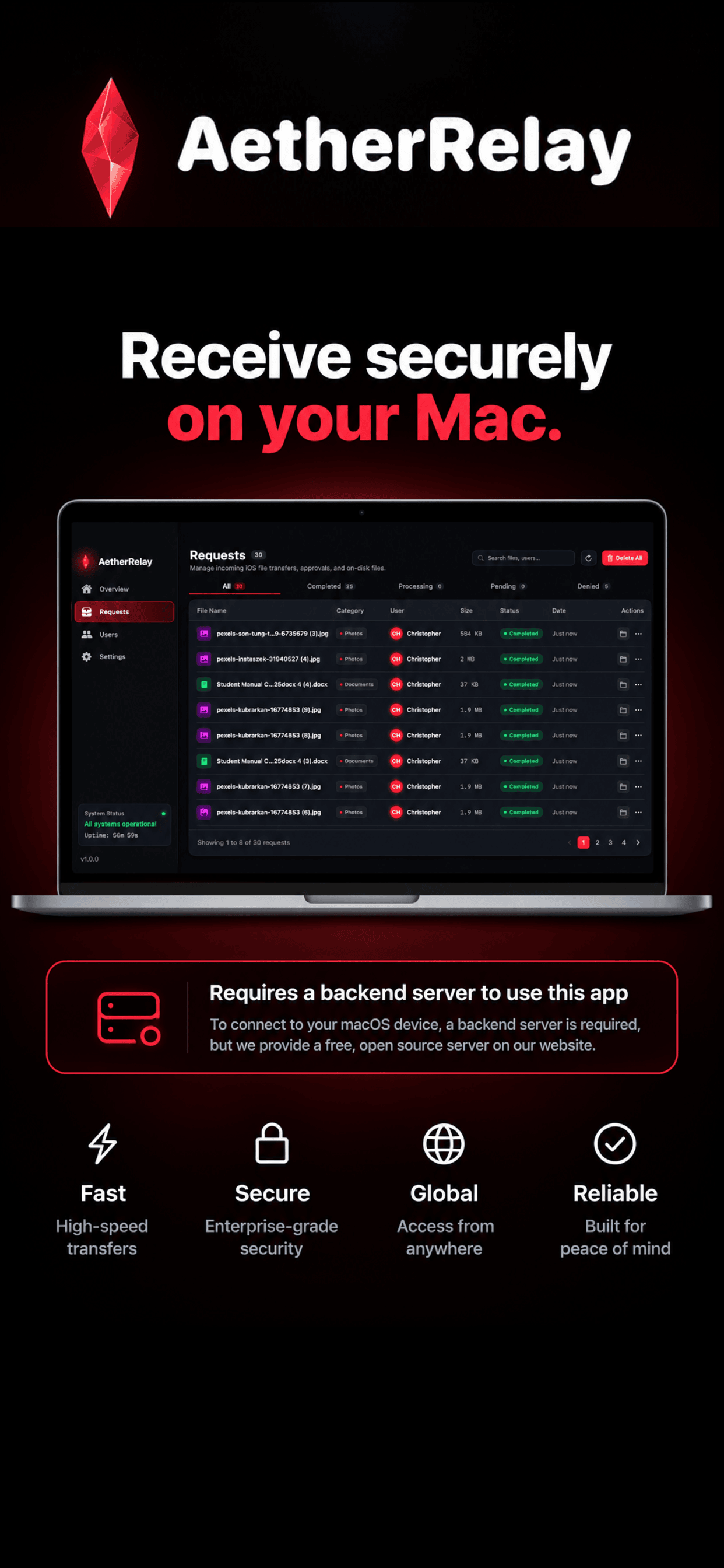
Review incoming transfers, approve or deny staging requests, preview file types, and reveal files in Finder.
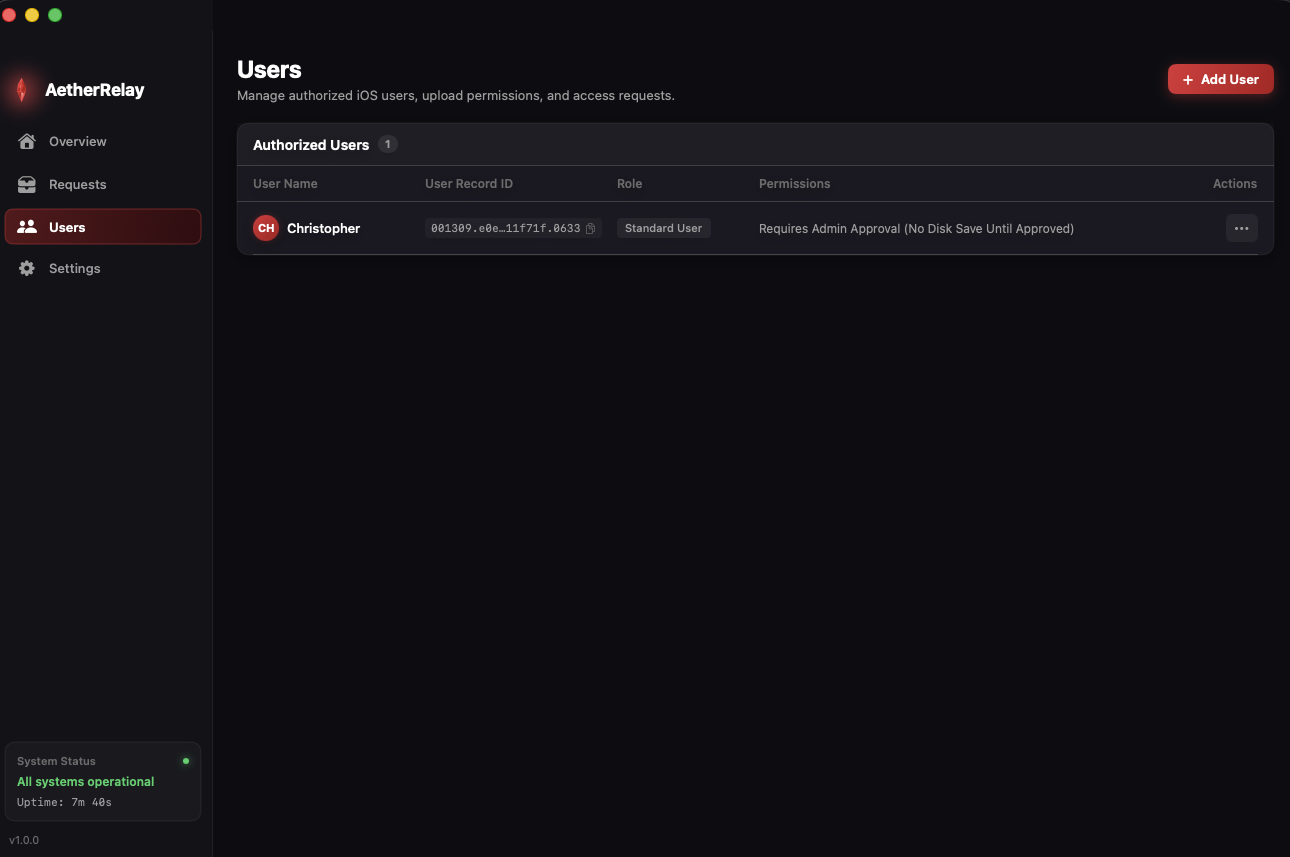
Role-Based Access Control
Verify Apple JWT tokens, approve connection requests, and manage pre-authorized vs standard permissions.
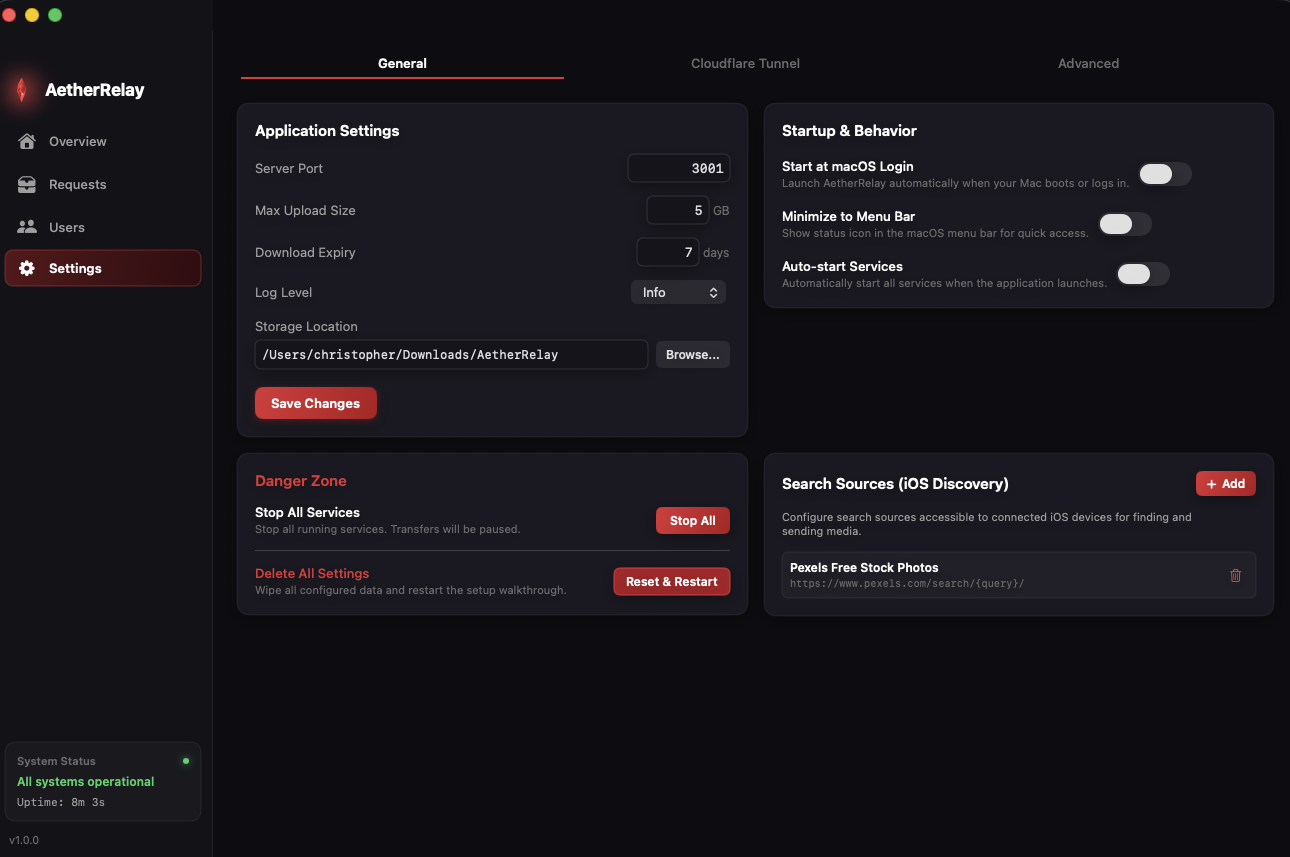
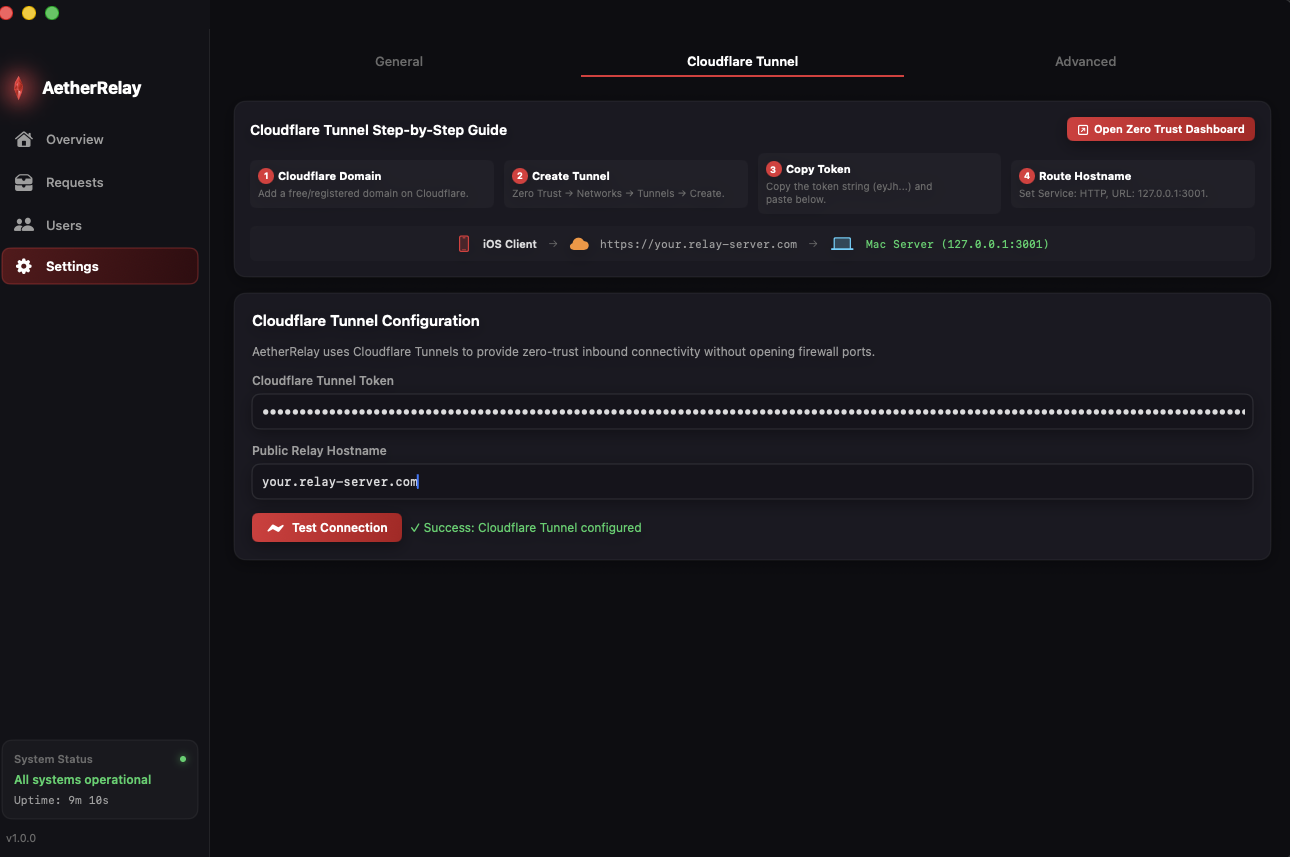
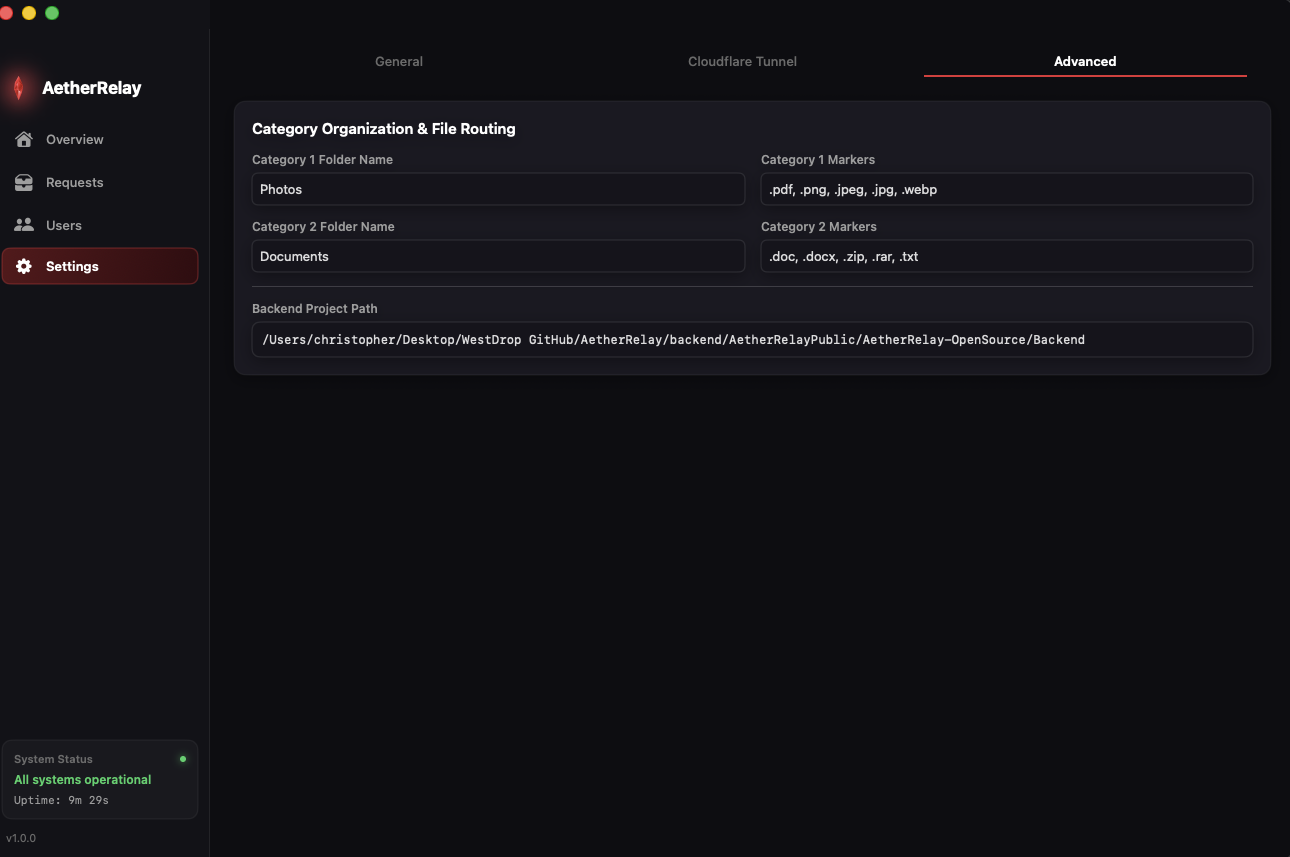
Cloudflare Tunnel & Storage Paths
Configure Cloudflare tunnel tokens, custom domains, local bind ports, and dynamic storage directories.
Custom Python Automations
Run supervised Python scripts to auto-open files in Photoshop, VLC, or Excel, transcode video, or send webhooks.
Apple Push Notifications (APNs)
Integrate Apple Developer keys to dispatch instant silent or alert push notifications to connected iOS clients.
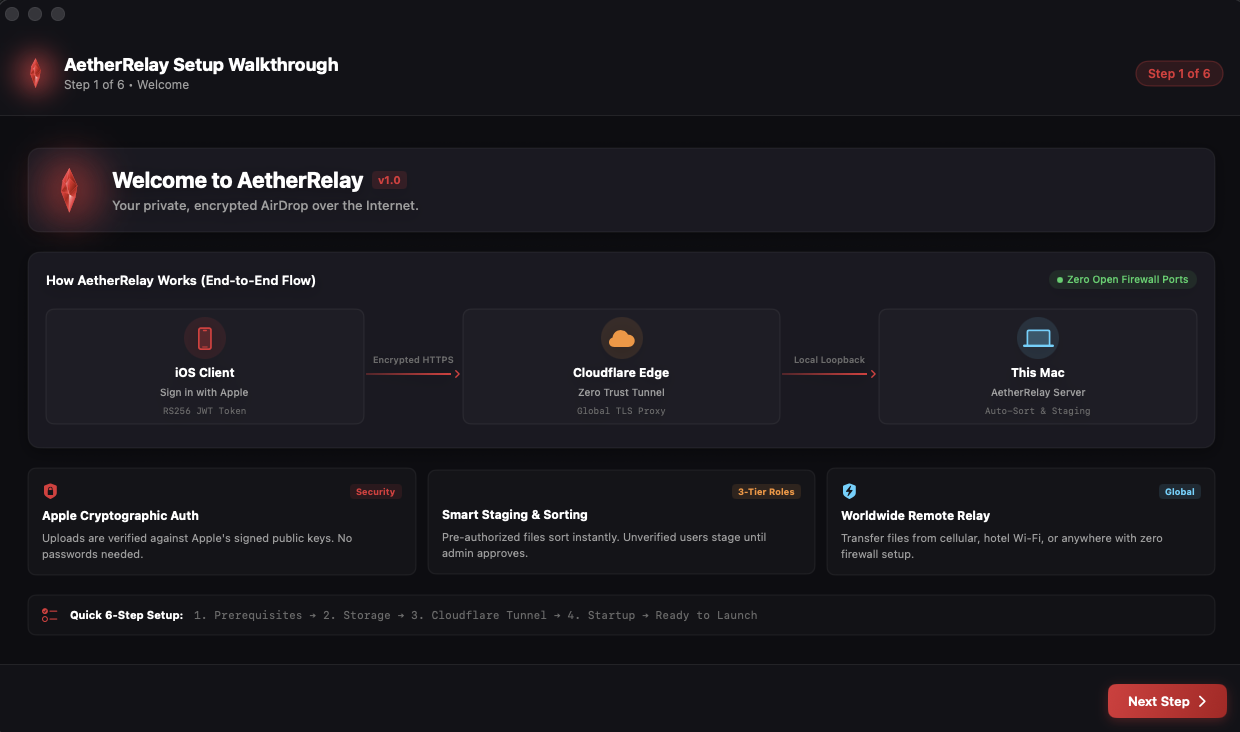
1. Visual Traffic Flow
Visual end-to-end flowchart from iPhone/iPad over Cloudflare Edge directly to your Mac with zero open ports.
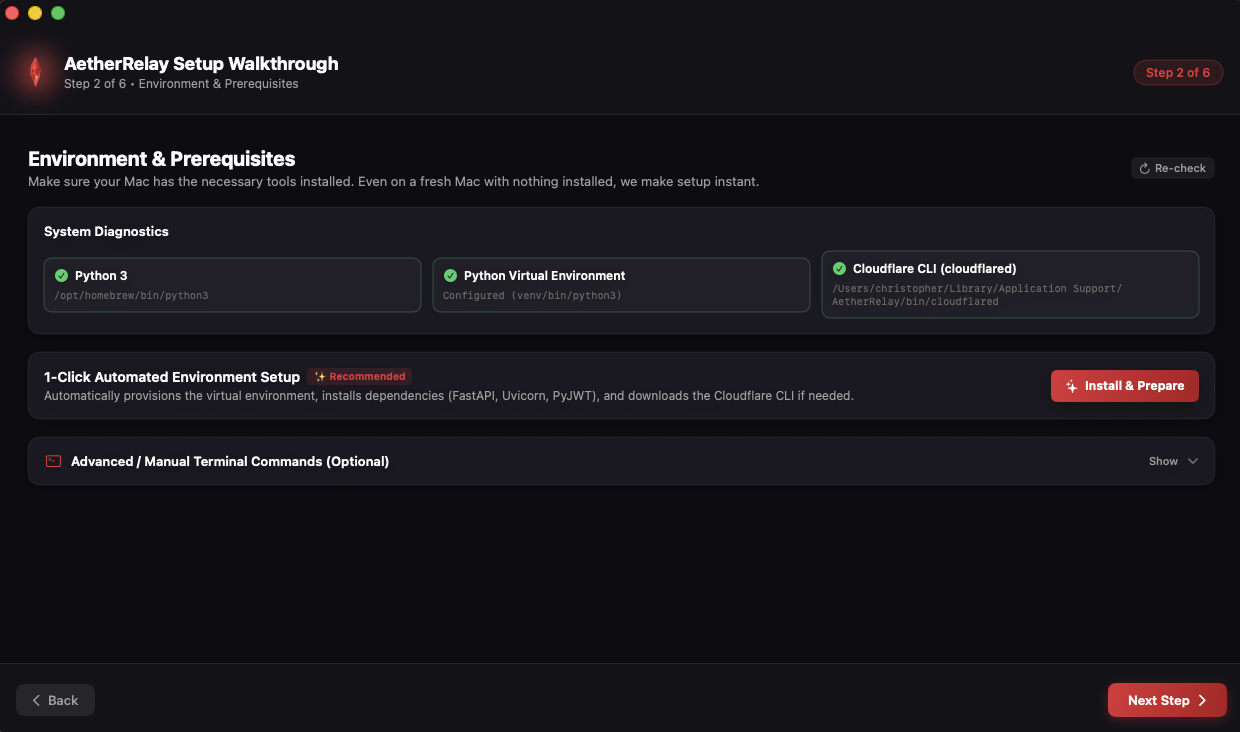
2. 1-Click Environment Setup
Automated Python virtual environment initialization and package installation with zero manual commands.
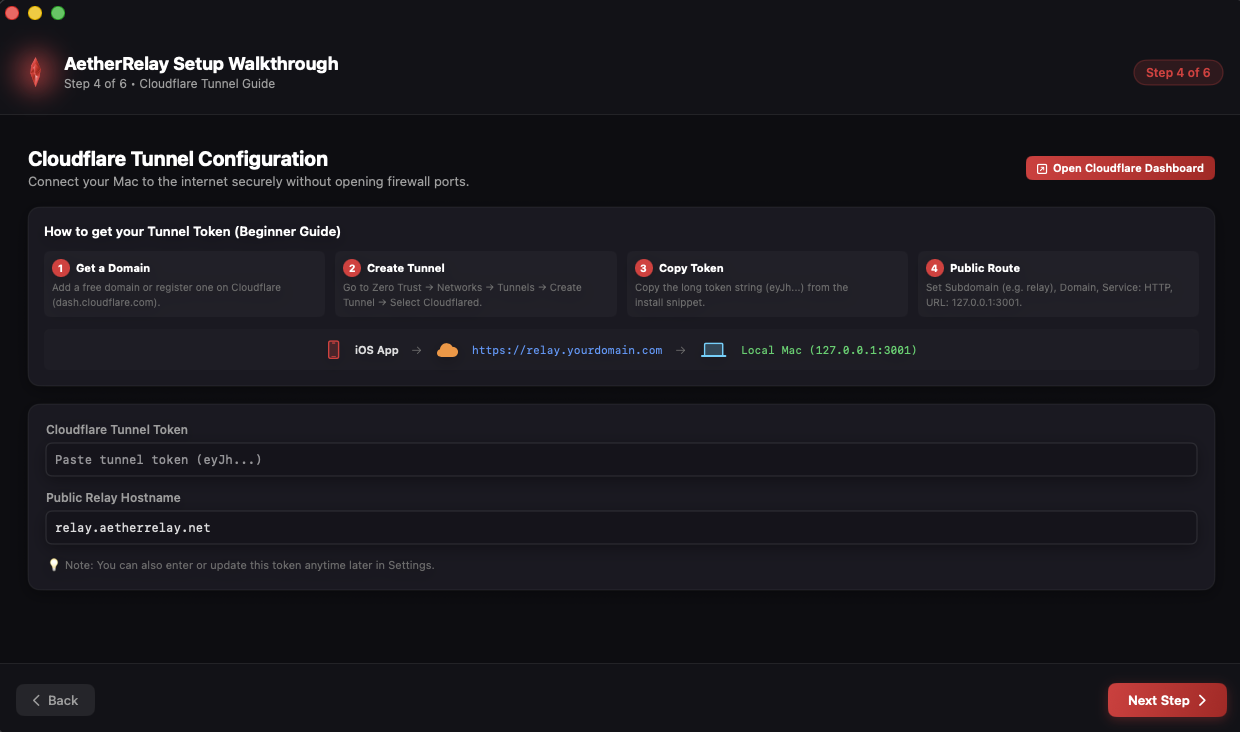
3. Cloudflare Tunnel Ingestion
Paste your Zero-Trust Cloudflare token or custom domain to bridge inbound traffic securely to your Mac.
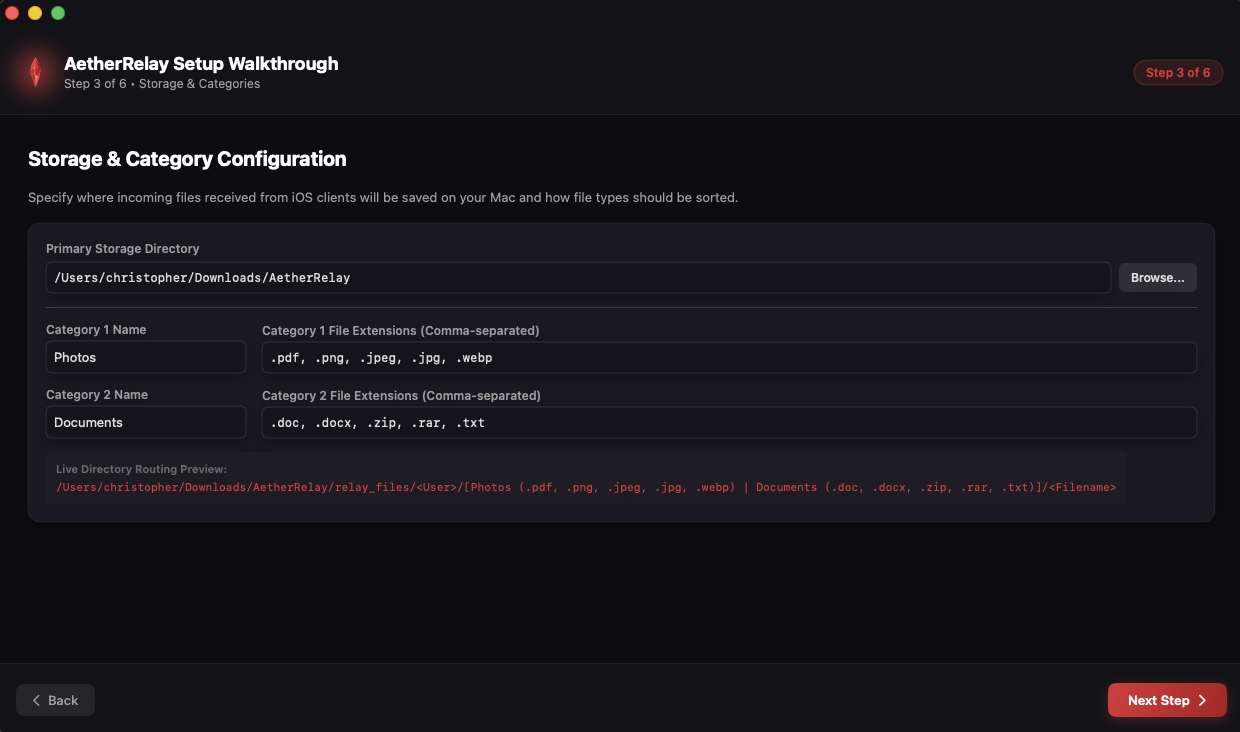
4. Dynamic Destination Folder
Select any local or external SSD drive to receive transfers with isolated staging for unapproved users.
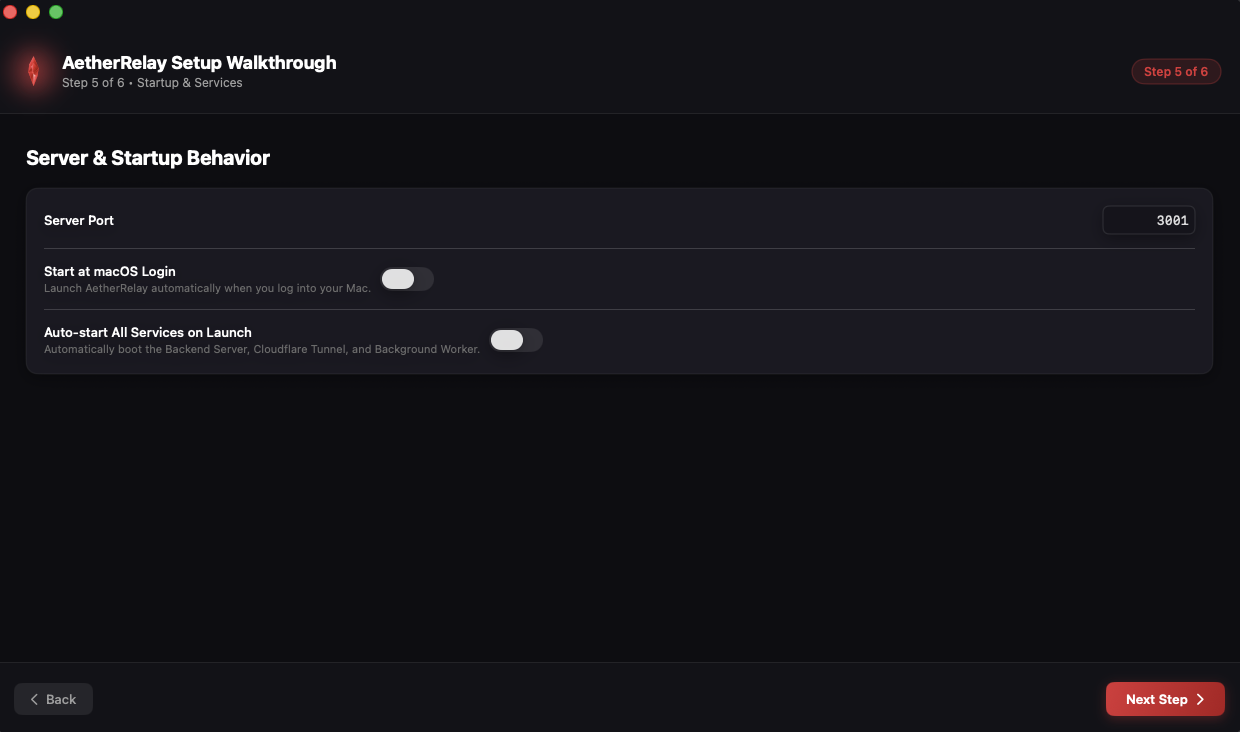
5. Ready & Operational
Launch all services in one click and minimize AetherRelay to the macOS Menu Bar for background supervision.
💻 macOS Server & Open Source Architecture
Host Your Personal Relay on macOS
100% self-hosted on your Mac with zero third-party databases. Choose the 1-Click GUI installer or customize the open-source code.
✨ Recommended for Daily Users
1-Click Native macOS App
The easiest way to run AetherRelay. Our native SwiftUI desktop application manages all server binaries, Python environments, and Cloudflare tunnels automatically.
1-Click Automated Setup: Creates Python virtual environments and installs all requirements with one button.
Menu Bar Daemon: Lives in the top macOS Menu Bar as a glowing Red Crystal icon and runs silently in the background.
Live Console & Queue: Inspect live incoming transfers, approve or deny requests, and manage authorized users.
🛠️ Open Source & Custom Automations
Developer Mode & Python Scripts
Modify the open-source backend to automate your workflow. Run custom Python daemons that automatically process, transcode, or open incoming files.
Auto-Open in 3rd-Party Apps: Automatically open received files in Photoshop, VLC, Excel, Final Cut, or Preview.
Automated Media Processing: Run FFmpeg video transcode, HEIC/RAW to PNG conversion, or OCR upon arrival.
Cloud & Webhook Sync: Auto-sync files to local NAS, AWS S3, Google Drive, or send Discord & Slack alerts.
Engineered for iOS & macOS
Why Choose AetherRelay?
Cloudflare Zero-Trust Tunnels
Tunnel local FastAPI endpoints (`http://127.0.0.1:3001`) securely over HTTPS to your iPhone and iPad using `cloudflared` without exposing open router ports or static IPs.
Open-Source macOS Manager
Supervise core services, background worker loops, and custom Python daemons with live console logging, menu bar controls, and automatic process supervision.
Sign-In with Apple Authentication
Authenticate securely using Sign in with Apple coupled with RS256-signed identity token verification for instant authorization without vulnerable passwords.
Custom Python Automations
Write custom Python scripts to automatically open received files in Photoshop, VLC, Excel, transcode video with FFmpeg, or push webhooks to Slack and Discord.
Universal iOS & iPadOS Native
Built with Swift and SwiftUI for optimal efficiency, instant loading, drag & drop support, and full iPad multitasking capabilities.
Self-Hosted Local Storage
Your data stays on your Mac. AetherRelay stores payloads in local JSON files and categorized folders with isolated staging for unapproved users.
Ready to elevate your mobile & desktop file relay?
Host the open-source backend on your Mac and connect your iOS devices via Cloudflare Tunnels.
macOS Host Required: AetherRelay uses a self-hosted backend system running exclusively on your macOS computer. Your iOS & iPadOS apps connect securely over HTTPS using Cloudflare Zero-Trust Tunnels.
The fastest and easiest way to host AetherRelay. The open-source macOS app handles all environment setup, background services, and Cloudflare tunnels with a single click:
⚡ 1-Click Automated Venv⚡ Automated Dependency Install⚡ GUI Service Controls⚡ Menu Bar Daemon⚡ Zero Terminal Required
Power users can clone the repository to build custom automations, transcode video with FFmpeg, or auto-open files in third-party programs (Photoshop, VLC, Excel):
Clone Open-Source Repository
git clone https://github.com/WestDrop/AetherRelay-OpenSource.git && cd AetherRelay-OpenSource