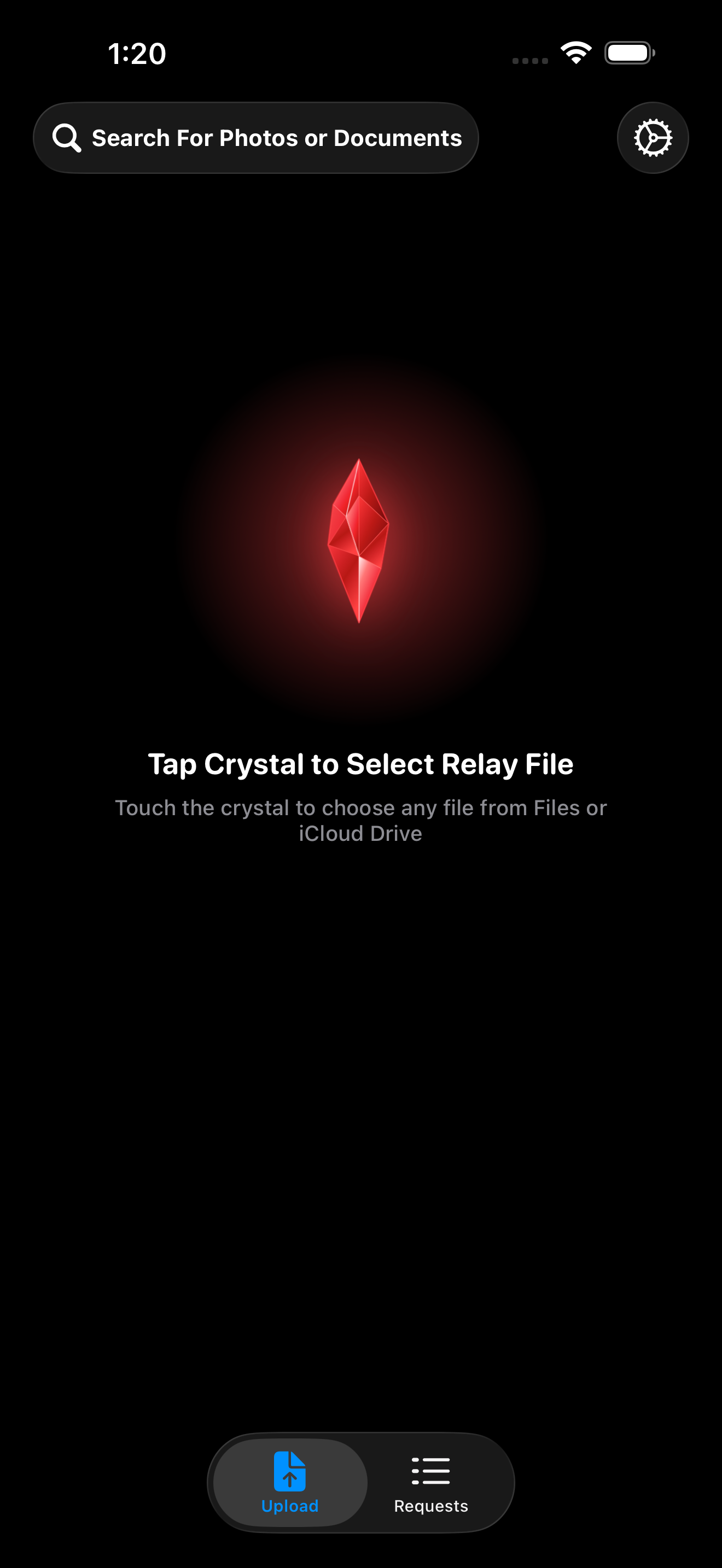
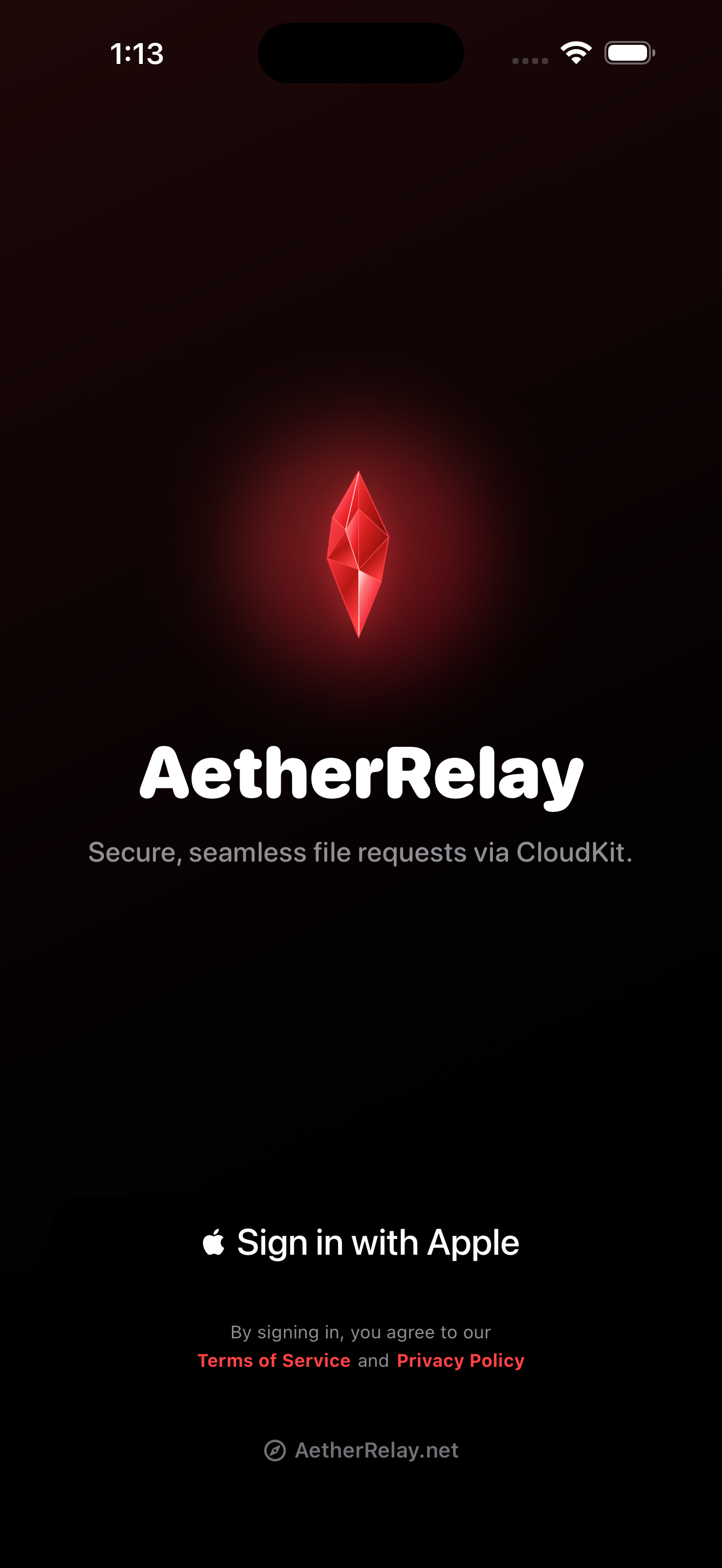
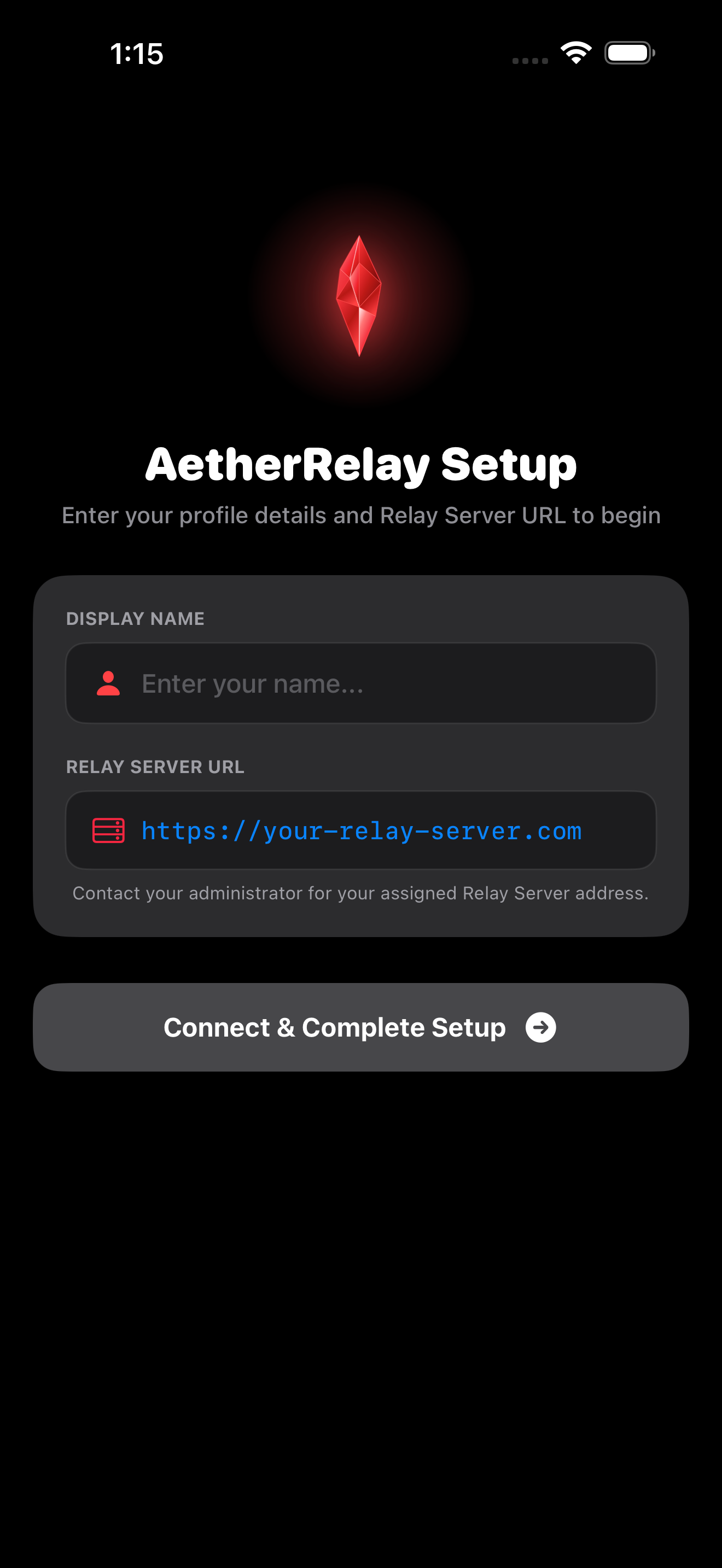
Bridge the gap between your mobile workflow and your Mac. Securely transmit photos, documents, and data over Cloudflare Tunnels with real-time status tracking.
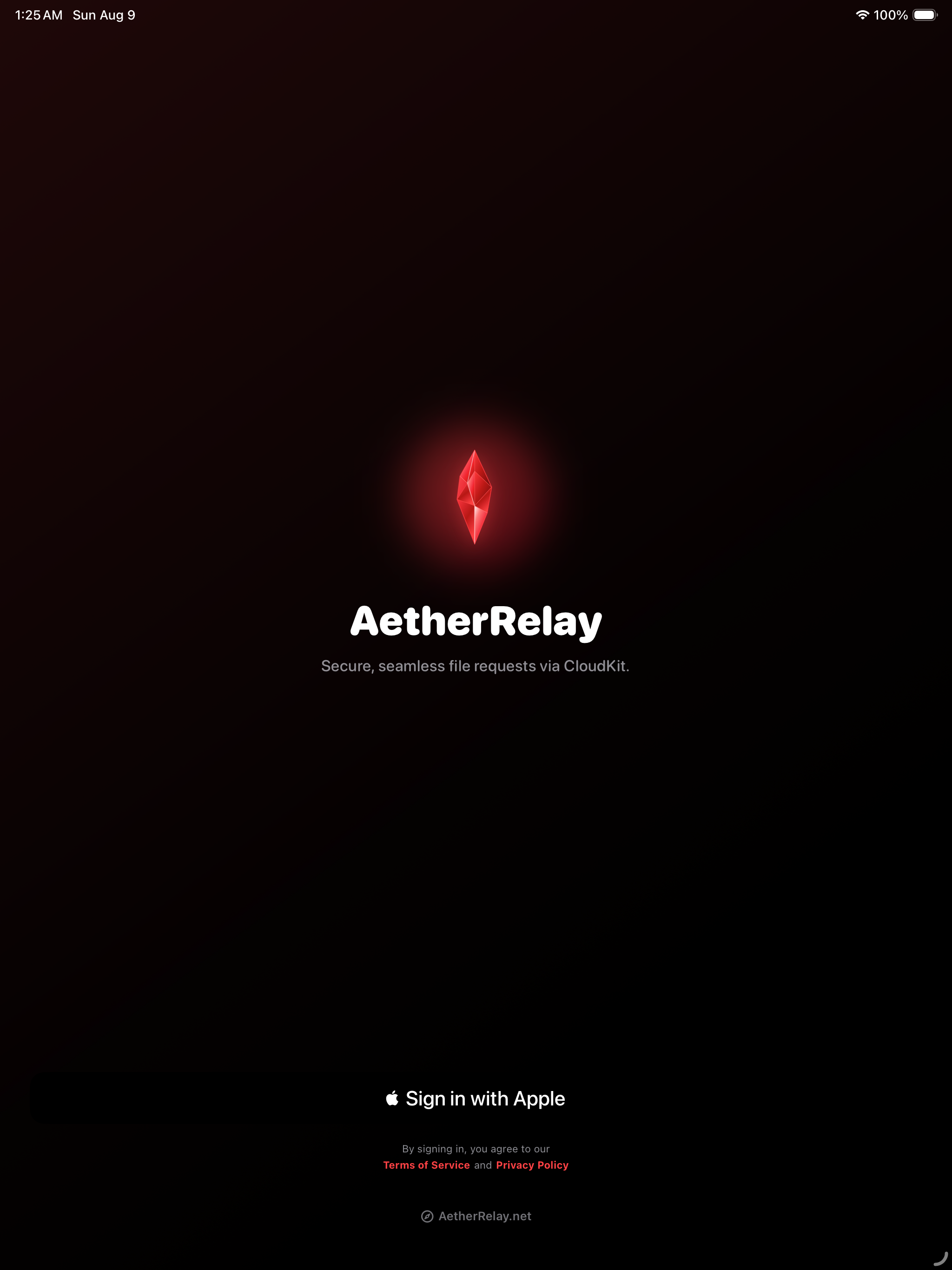
Take advantage of iPad multitasking and split view while authenticating via Sign in with Apple.
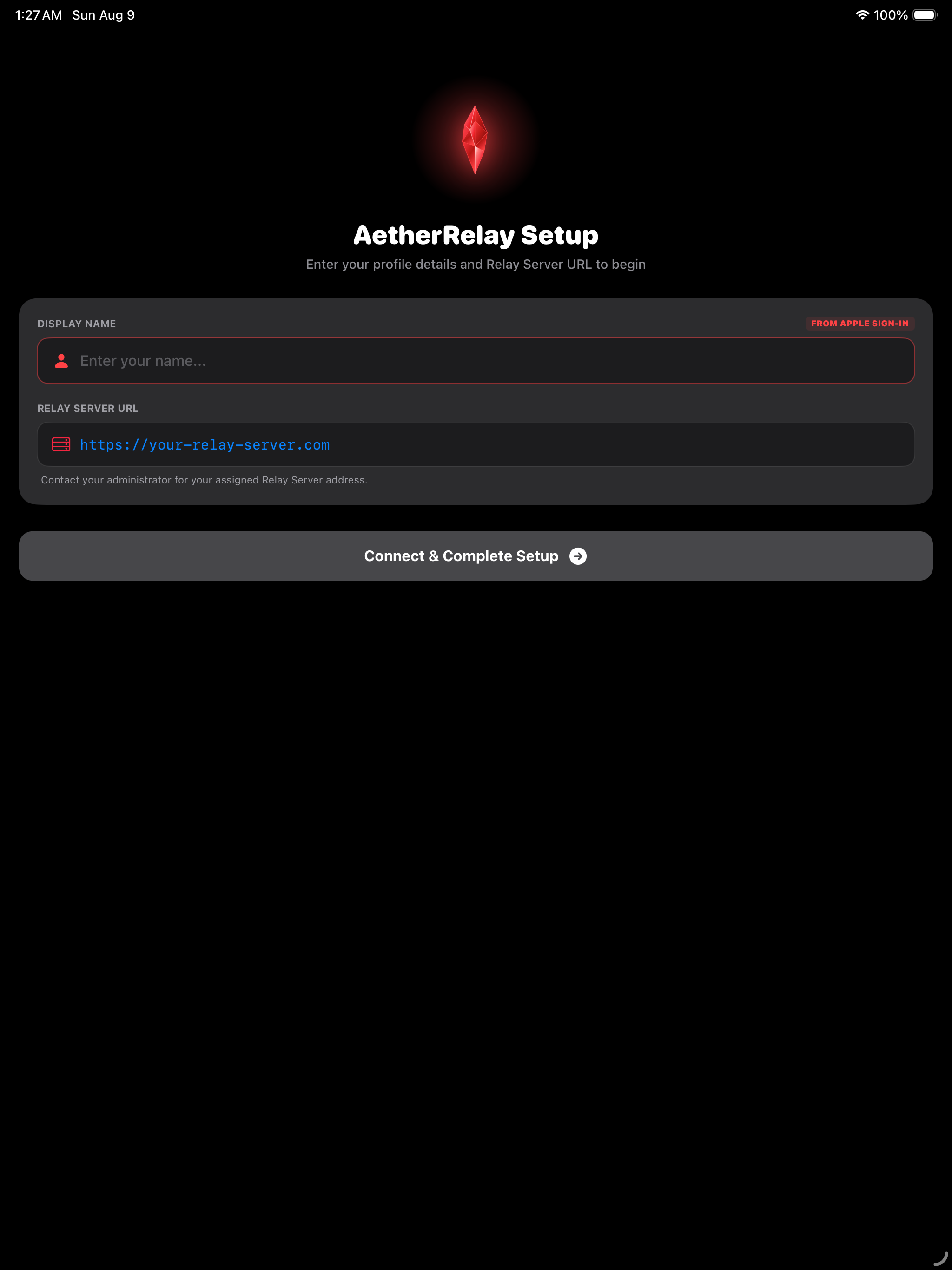
iPad Setup Dashboard
Configure backend endpoints, storage buckets, and credentials on a spacious layout.
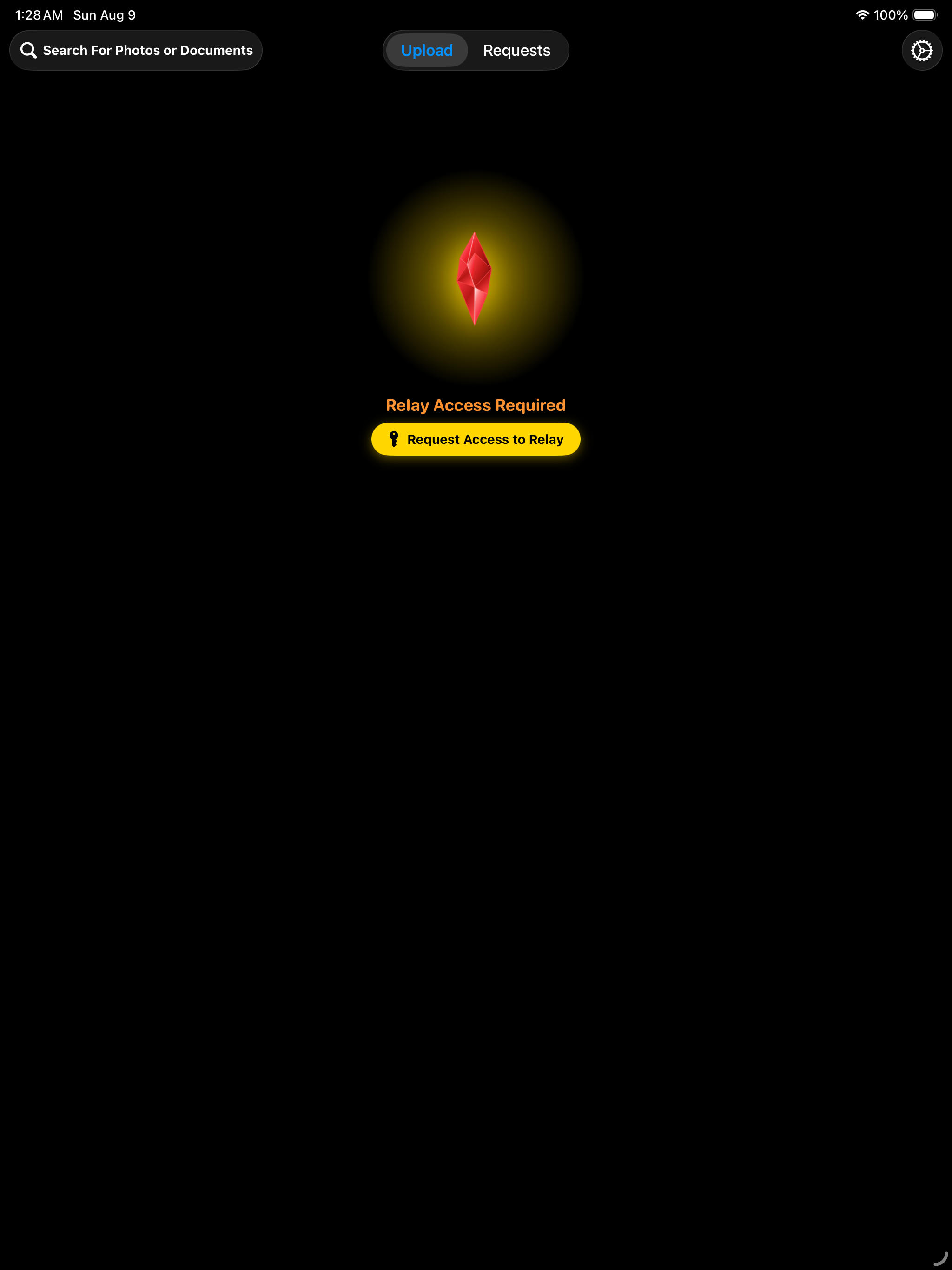
Enterprise Permission Control
Review and grant granular backend access permissions across teams.
Multi-Column Workspace
Monitor live transfers and queue status with desktop-class sidebar and split view options.
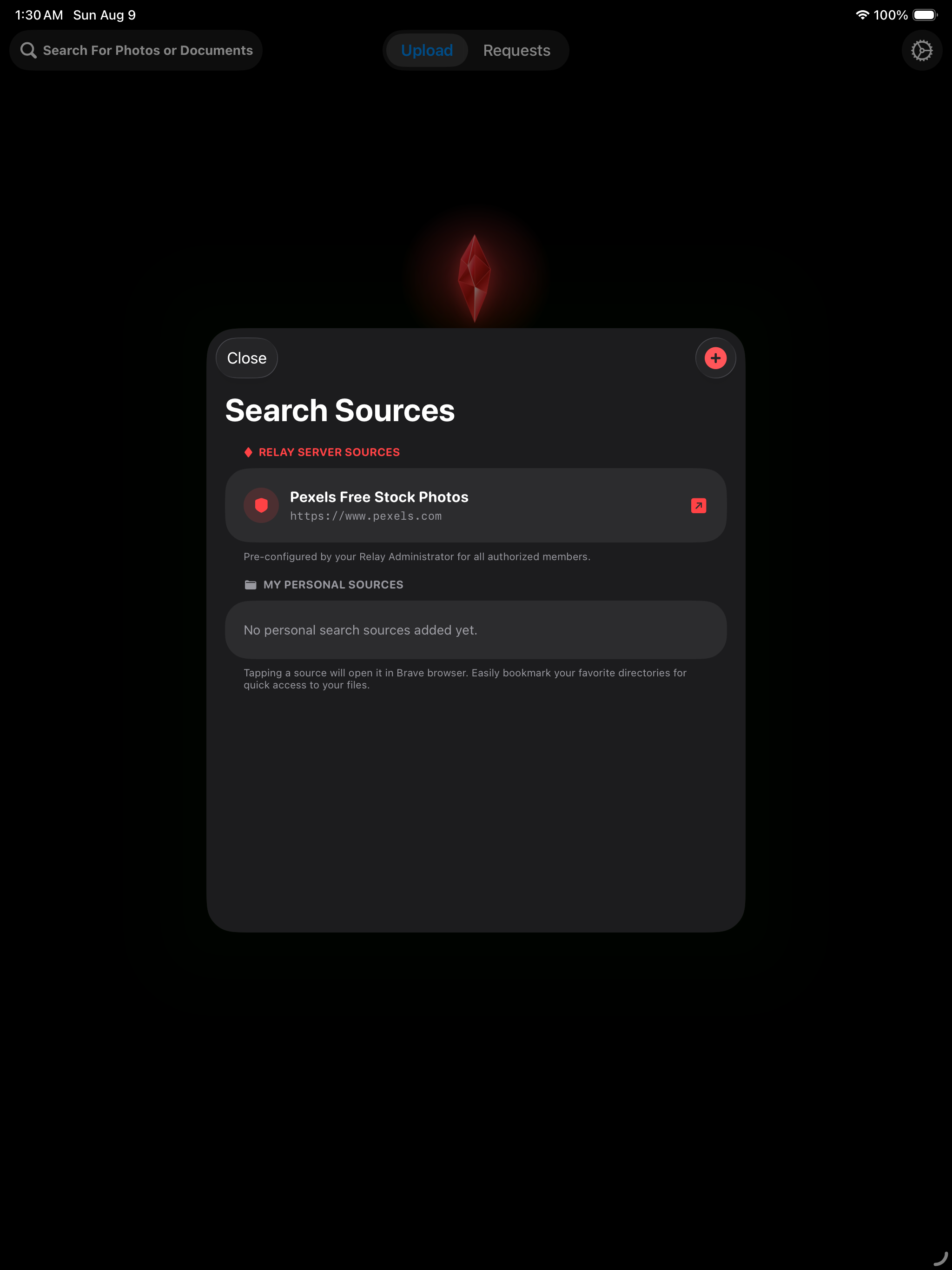
Deep Data Inspection
Filter large backend media directories and document stores effortlessly on iPadOS.
Drag & Drop Payload Uploads
Drag files from Files app directly into AetherRelay for batch Cloudflare Tunnel transmission.
High-Speed Dispatch Confirmation
Verify payload dispatches with comprehensive transaction details on iPadOS.
Tablet Activity Monitor
Keep track of active server jobs, network telemetry, and pending payload status.
Complete Job History
Review historical requests and export verification reports with a single tap.
Engineered for Mobile & macOS
Why Choose AetherRelay?
Cloudflare Tunnels Architecture
Tunnel local FastAPI endpoints (`http://127.0.0.1:3001`) securely over HTTPS to your iPhone and iPad using `cloudflared` without exposing open router ports.
Red Crystal UI System
Enjoy a modern obsidian glass interface with luminous ruby indicators designed specifically for touch interaction and tablet productivity.
Sign-In with Apple
Authenticate securely using Sign in with Apple coupled with backend identity tokens for instant authorization without passwords.
Multi-Format Payload Relay
Transmit raw photos, document files, PDFs, or custom data payloads seamlessly with real-time status tracking and push notifications.
Universal iOS & iPadOS Native
Built with Swift and SwiftUI for optimal efficiency, instant loading, drag & drop support, and full iPad multitasking capabilities.
Self-Hosted Local Storage
Your data stays on your Mac. AetherRelay stores payloads in local JSON files and categorized folders with zero third-party databases.
Ready to elevate your mobile file transmission?
Host the backend software on your Mac and connect your iOS devices via Cloudflare Tunnels.
Download AetherRelay
Choose your Apple device platform to open the App Store listing:
macOS Backend Required: AetherRelay uses a self-hosted backend system running exclusively on your macOS computer. Your iOS app connects securely over HTTPS using Cloudflare Tunnels.
The easiest way for non-developers and daily users to host AetherRelay! The native SwiftUI macOS app (AetherRelay Manager.app) performs 1-click automated setup:
⚡ Automated Venv Creation⚡ Automated Dependency Install⚡ 1-Click Server & Worker Start⚡ Cloudflare Tunnel GUI Controls⚡ macOS Menu Bar & Login Boot
Located at backend/AetherRelay/AetherRelay-Manager-v1.0.dmg or build directly from source in Xcode (backend/AetherRelay/AetherRelayManager). Simply open the Manager App, paste your Cloudflare Tunnel token, and click "Start All Services"—no terminal commands required!
2. CLI System Requirements (Manual Option)
If you prefer running the Python backend manually via terminal on macOS:
macOS OnlyPython 3.9+cloudflared CLIZero Apple Developer Account Needed
3. Clone Backend & Install Dependencies
Open Terminal on your Mac and execute each command below (click Copy on any box):
Clone Repository & Navigate
git clone git@github-westdrop:WestDrop/AetherRelay.git && cd AetherRelay/backend/AetherRelay
Create Python Virtual Environment
python3 -m venv venv
Activate Virtual Environment
source venv/bin/activate
Install Python Requirements
pip install -r requirements.txt
4. Start FastAPI Server & Worker Loop
Launch the main FastAPI server and background worker loop in separate Terminal windows:
Terminal 1: Start FastAPI Server
source venv/bin/activate && set -a && source .env && set +a && python main.py
Terminal 2: Start Background Worker Loop
source venv/bin/activate && set -a && source .env && set +a && python worker.py
5. Create Cloudflare Tunnel
Tunnel your local port 3001 securely to the web using Cloudflare Tunnels:
Install cloudflared CLI (Homebrew)
brew install cloudflared
Start Cloudflare Tunnel
cloudflared tunnel --url http://127.0.0.1:3001
Copy your generated https://*.trycloudflare.com URL and paste it into the AetherRelay App settings on your iPhone or iPad!